Alerts

-
4 minutes, 2 seconds
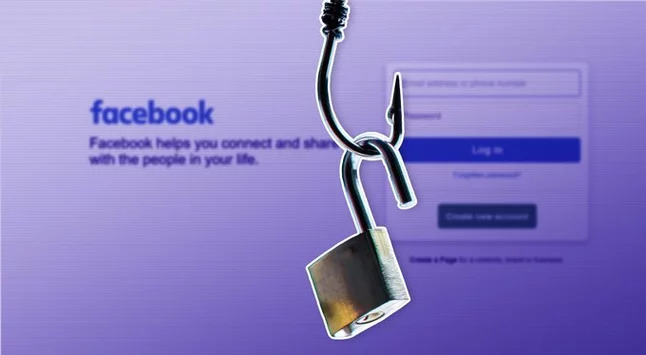
Cybersecurity experts are warning users about a new wave of fake Facebook pop-ups designed to steal login credentials. These scams use a technique called “browser-in-the-browser” (BitB), making malicious login windows almost indistinguishable from real Facebook pages. Even the links appear legitimate, tricking many users into handing over sensitive information. With attacks growing more sophisticated, it’s crucial for Facebook users to know the signs and protect their accounts.
The BitB technique creates fake pop-up windows that look exactly like Facebook’s login interface. Unlike a real browser window, these are actually HTML elements embedded in a webpage. When users enter their credentials, scammers capture them instantly. Experts say the method exploits people’s familiarity with login prompts, making even cautious users vulnerable. Cybersecurity firm Trellix reports that these campaigns have been active for the past six months, targeting millions of users worldwide.
Most attacks begin with phishing emails disguised as official messages. Scammers often pretend to be law firms, Facebook alerts, or security notices. These emails may warn about account suspensions, unauthorized logins, or urgent updates. The embedded links may look legitimate but often hide malicious destinations using URL shorteners or trusted cloud hosting services like Netlify. Users who click without checking carefully risk giving away their login information immediately.
Fake Facebook pop-ups are extremely convincing because they replicate the exact look and feel of official windows. Unlike traditional phishing pages, the BitB pop-ups appear on top of legitimate websites, making it difficult to detect anomalies. Even security-conscious users can be deceived because the URL and design appear authentic. This method demonstrates a worrying evolution in phishing tactics, combining visual deception with technical sophistication.
Experts recommend never entering login credentials from unsolicited pop-ups. Always check the browser address bar and ensure the site is legitimate before typing sensitive information. Enabling two-factor authentication (2FA) adds another layer of protection. Regularly reviewing login activity and updating passwords can also reduce the risk of account compromise. Awareness is the first line of defense against these increasingly clever scams.
If you suspect you entered your credentials on a fake pop-up, change your password immediately and enable 2FA. Report the incident to Facebook and scan your device for malware. Victims should monitor their accounts for unusual activity and alert friends if messages were sent from a compromised account. Prompt action can prevent further damage and secure personal information.
Cybercriminals continue to innovate, creating more sophisticated phishing methods like the browser-in-the-browser scam. Facebook users need to remain vigilant, question unexpected pop-ups, and adopt strong security habits. Staying informed about these threats is the best way to safeguard digital identities and prevent falling victim to online scams.










Comment