
Alerts
-
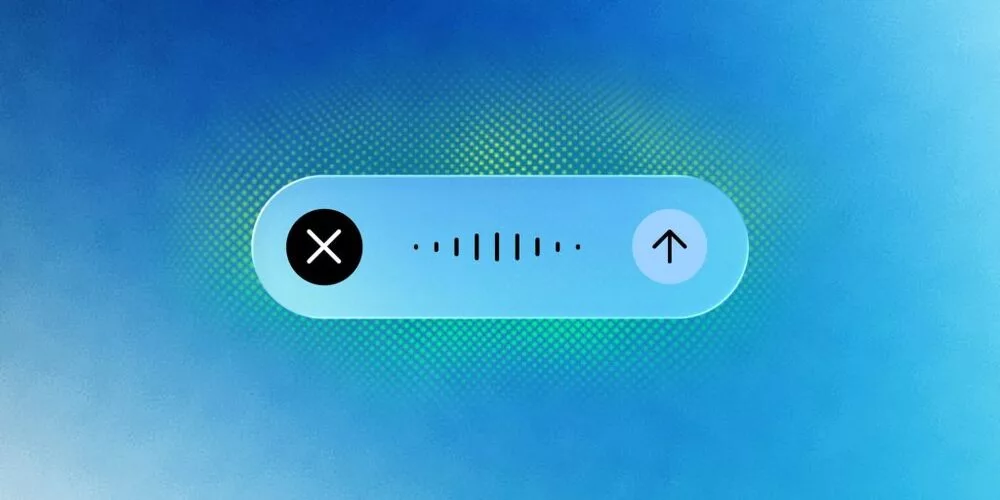
Google has officially rolled out a significant update to its Gemini AI assistant for macOS, introducing voice control and Gboard Rambler-level transcription. This enhancement brings the power of real-time, high-accuracy speech recognition directly to Mac users, enabling hands-free operation and seamless text input across applications. The update positions Gemini as a serious competitor to native macOS assistants like Siri and third-party tools like Dragon Naturally Speaking.
Gboard Rambler is Google's advanced on-device speech recognition engine, known for its speed and accuracy even in noisy environments. By integrating this technology into Gemini for macOS, users can now enjoy:
The new voice control feature goes beyond simple dictation. Users can issue commands to open apps, navigate menus, compose emails, and control system settings—all without touching the keyboard or trackpad. Commands are processed locally for low latency and high responsiveness.
This update leverages Google's latest natural language processing models to deliver a smarter, more intuitive assistant experience. Below are the standout features:
Gemini now hooks directly into the macOS accessibility layer, allowing it to interact with any application that supports standard text input and UI automation. Key integration points include:
Early tests show transcription accuracy exceeding 95% in quiet conditions and 85% in moderate noise, matching Gboard mobile performance. Voice control response times average under 200ms on M1 and M2 Macs.
All voice processing happens on-device using Apple's Neural Engine and Google's TensorFlow Lite. No audio data is sent to the cloud unless the user explicitly enables cloud-based features for custom vocabulary or language packs.
Apple's Siri has long offered basic dictation, but lacks the advanced transcription accuracy and voice control breadth of Gemini. Third-party solutions like Dragon Professional cost hundreds of dollars and require complex setup. Gemini for macOS delivers comparable performance at no additional cost for Google account holders.
To use Gemini voice control and transcription on macOS, ensure you have the latest version of the Gemini app installed. Follow these steps:
Once configured, you can summon Gemini by voice command or keyboard shortcut, and start dictating or issuing commands immediately. This update marks a major leap forward for AI-assisted productivity on the Mac platform.










Comment