Alerts

-
4 minutes, 17 seconds
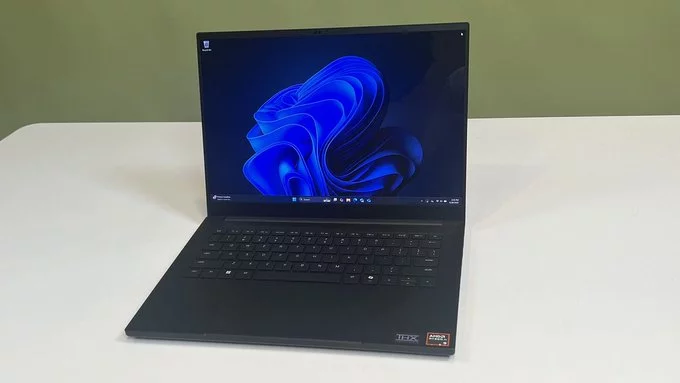
Windows 11 users finally have a simpler way to enable dark mode, along with a long-awaited fix for those annoying white flashes in File Explorer. These “flashbangs” have frustrated many users since dark mode updates last year. With Microsoft rolling out these changes in a new Beta channel preview build, navigating files in low-light environments is about to get a lot smoother.
The update is designed to make dark mode more accessible while eliminating the jarring visual glitches that have persisted for months. Users who spend hours working in File Explorer will particularly benefit, as the changes reduce eye strain and improve overall workflow.
One of the most irritating Windows 11 issues has been the sudden white flashes when opening new File Explorer windows or resizing elements. Microsoft has confirmed that the latest Beta build removes these flashes when File Explorer is set to open “This PC” and during window adjustments.
These flashes were more than a minor annoyance—they disrupted focus and made dark mode feel incomplete. By resolving this, Microsoft is signaling that it’s listening to user feedback and prioritizing a polished, consistent experience. For users who have stuck with workarounds or avoided dark mode because of this issue, the update is a welcome relief.
Beyond fixing bugs, Microsoft is streamlining dark mode access in Windows 11. Previously, enabling dark mode involved navigating multiple menus and settings, which could be confusing for casual users. Now, the toggle is more intuitive, allowing users to switch themes quickly without diving deep into system settings.
This improvement isn’t just about convenience—it’s about making Windows 11 more user-friendly and modern. Dark mode not only reduces eye strain but also gives the interface a sleek, contemporary look. With easier access, more users are likely to embrace it, especially during late-night work sessions or low-light environments.
Dark mode updates may seem small, but they directly impact user experience and productivity. The combination of simpler access and the removal of distracting white flashes creates a more seamless interface. Microsoft’s careful testing in the Beta channel ensures that when these changes roll out to all users, they’ll be stable and reliable.
For those who spend hours in File Explorer or frequently work at night, these adjustments could significantly reduce fatigue and improve focus. It also shows Microsoft’s ongoing commitment to refining Windows 11, keeping the system responsive to user needs and feedback.
While the fixes are promising, they’re still in testing, and wider availability may take time. Beta channel participants can try the new dark mode features immediately, while others will see them in upcoming stable releases.
Overall, this update is a step toward a more polished, user-friendly Windows 11. Cleaner visuals, easier theme management, and the end of white flash disruptions make for a smoother, more enjoyable computing experience—exactly what users have been asking for.

5.5K articles

2.8K articles

1.6K articles

34 articles














Comment