Alerts

-
3 minutes, 43 seconds
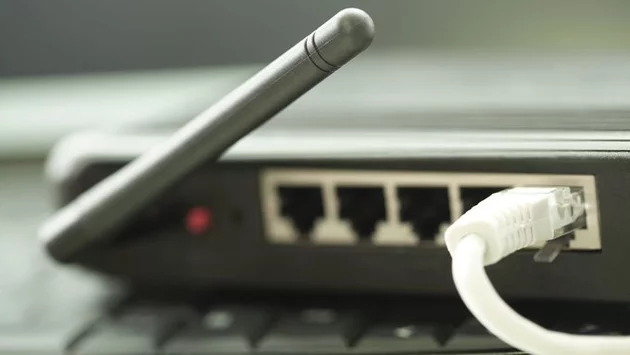
Wi-Fi users could face sudden network outages due to a newly discovered security flaw in certain routers. Hackers can exploit this weakness to trigger denial-of-service (DoS) attacks, forcing devices offline and cutting internet access until the router is manually restarted. Broadcom, the chipset maker, has already patched the vulnerability, but many devices may still be exposed.
The flaw, rated 8.4/10 in severity, does not yet have an official CVE identifier. Customers are urged to contact Broadcom or their device manufacturer to confirm if their products are affected and apply updates promptly.
Security researchers at the Black Duck Cybersecurity Research Center (CyRC) discovered the issue while testing Asus routers with Defensics® Fuzzing, a software tool that sends malformed or random network inputs to evaluate system stability.
Their tests revealed that sending malformed 802.11 protocol frames could crash Asus routers, stopping the network entirely. “This vulnerability allows an attacker to make the access point unresponsive to all clients and terminate ongoing connections,” the advisory stated. Users relying on 5G Wi-Fi would immediately lose connectivity, while Ethernet connections might remain functional but could suffer interrupted transmissions or corrupted data.
The ASUS RT-BE86U has been confirmed as vulnerable, but other models could also be affected. The flaw specifically targets routers running Broadcom chipsets, highlighting the importance of verifying firmware versions and security patches.
Even though the exploit could theoretically be delivered over the air with a single malicious frame, the impact is immediate: all clients on the affected 5G network lose connection and cannot reconnect until a manual restart of the router.
This vulnerability underscores the importance of keeping routers updated and monitoring Wi-Fi networks closely. A simple oversight in firmware management could allow attackers to disrupt home or business networks, affecting work, streaming, and critical online communication.
Small businesses and remote workers may be especially vulnerable if relying solely on Wi-Fi for internet access. In addition to manual restarts, ongoing data transmissions could be interrupted, potentially corrupting files or causing errors in real-time applications.
Check for Firmware Updates: Confirm if your router uses Broadcom chipsets and apply the latest patches.
Monitor Network Stability: Watch for unexplained outages or crashes that could indicate attempts to exploit vulnerabilities.
Restart Routers Safely: If your Wi-Fi goes down unexpectedly, a manual restart may be necessary until an update is applied.
Consult Your Manufacturer: Reach out to Asus, Broadcom, or other vendors for specific guidance on affected models.
Staying proactive about router updates and network security can prevent hackers from exploiting this flaw and ensure uninterrupted internet access.










Comment