What You Need to Know About WhatsApp Usernames
WhatsApp is finally rolling out usernames, making it easier to connect without sharing your phone number. This long-awaited feature is rolling out gradually, and you can reserve your unique username right now. Here's exactly how to do it and what to expect.
Why WhatsApp Usernames Matter
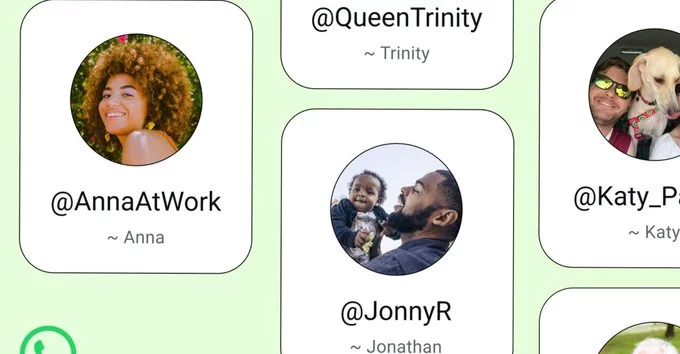
Usernames let you keep your phone number private while still allowing people to find and message you. You simply share your username instead of your number. This is great for privacy, business contacts, or anyone who wants to separate work and personal chats.
Key Benefits of WhatsApp Usernames
- Privacy: No need to give out your phone number to strangers or new contacts.
- Ease of Use: Others can find you by searching your unique username.
- Control: You can change your username anytime if you want a fresh start.
How to Reserve Your WhatsApp Username
Here’s a simple step-by-step guide to claim your username before someone else does.
Step 1: Update WhatsApp
Make sure you have the latest version of WhatsApp from your app store. Go to the App Store (iPhone) or Google Play Store (Android) and check for updates.
Step 2: Open Settings
Open WhatsApp and tap the three dots (Android) or the settings gear icon (iPhone) in the top corner. Then tap on your profile name or picture.
Step 3: Find the Username Option
Look for a new field labeled "Username" under your profile info. If you don't see it yet, the feature may not be available in your region. Check back in a few days.
Step 4: Choose Your Username
Tap on the username field and type your desired handle. WhatsApp will show if it's available. Pick something unique, easy to remember, and professional if you use it for business.
Step 5: Save and Share
Once you confirm, your username is saved. You can now share it with others so they can find you without your phone number.
Tips for Choosing the Perfect Username
- Keep it short and simple so it's easy to type.
- Avoid numbers or special characters if possible.
- Use your real name or brand name for consistency.
- Check if the same username is available on other platforms.
What Happens If Someone Takes Your Preferred Name?
Usernames are first-come, first-served. If your first choice is taken, try adding a word like "real" or "official" before your name. You can also use underscores or dots, but keep it clean.
When Will Everyone Get This Feature?
WhatsApp is rolling out usernames gradually to users worldwide. If you don't see it yet, update your app and wait. It should reach everyone in the coming weeks. You can also check WhatsApp's official blog for updates.
WhatsApp usernames are a simple but powerful upgrade. They give you more privacy and flexibility. Reserve yours today to secure your preferred handle. Once it's taken, you may not get it back.














Comment