
Alerts
-
4 minutes, 53 seconds
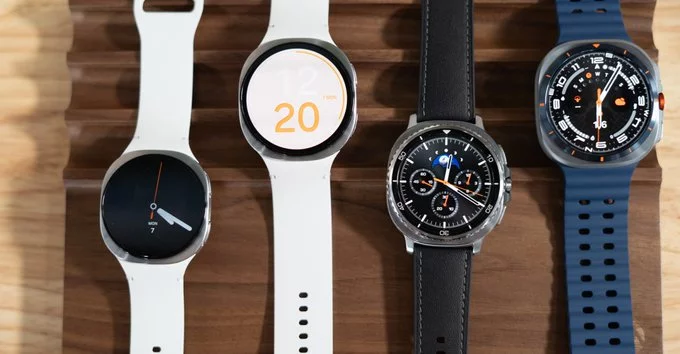
Blood pressure tracking on Galaxy Watches is finally available in the United States, answering a long-standing question from users eager for advanced health tools on their wrists. After years of limited availability, this feature is now expanding beyond early markets, bringing more comprehensive wellness tracking to everyday users. However, there’s a catch—regular calibration with a traditional cuff is still required, which may impact convenience for some.
The journey to bring blood pressure tracking to the US has been anything but quick. First introduced in South Korea years ago, the feature faced strict regulatory requirements before approval in other regions. Health-related technologies often undergo rigorous testing to ensure accuracy and safety, especially when dealing with sensitive metrics like blood pressure.
For Samsung, ensuring compliance meant refining both hardware and software capabilities. The company had to demonstrate that its wearable technology could deliver consistent and reliable readings. This lengthy process explains why US users are only now gaining access to a feature that has existed elsewhere for years.
The new feature uses sensors already built into Galaxy Watches to estimate blood pressure through pulse wave analysis. While this technology is innovative, it doesn’t completely replace traditional methods. Users must calibrate the watch using a standard blood pressure cuff at least once a month to maintain accuracy.
This calibration requirement ensures that readings remain reliable over time, but it also highlights a limitation. Unlike dedicated medical devices, smartwatches still depend on external tools for validation. For users, this means balancing convenience with the need for occasional manual input.
For many people, having blood pressure tracking on a smartwatch is a major step forward in personal health monitoring. It allows users to track trends over time without frequent clinic visits, making it easier to stay informed about their cardiovascular health. This can be especially useful for individuals managing hypertension or those looking to adopt healthier habits.
At the same time, the need for regular calibration may feel like a hurdle. Not everyone owns a blood pressure cuff, and remembering to recalibrate monthly could be inconvenient. Still, the benefit of having continuous insights directly on your wrist may outweigh these minor drawbacks for most users.
The rollout of blood pressure tracking in the US signals a broader push by Samsung into the digital health space. Wearable devices are evolving beyond simple fitness trackers into powerful health companions capable of monitoring critical metrics.
This shift reflects growing consumer demand for tools that offer deeper insights into well-being. As competition intensifies in the wearable market, advanced health features are becoming key differentiators. Blood pressure tracking is just one piece of a larger strategy aimed at transforming how people manage their health daily.
Looking ahead, the expansion of blood pressure tracking could pave the way for even more advanced capabilities. Continuous improvements in sensor technology and data analysis may eventually reduce the need for external calibration. This would make smartwatches even more independent and user-friendly.
For now, the arrival of this feature in the US marks a significant milestone. It shows how far wearable technology has come and hints at what’s next. As innovation continues, users can expect smarter, more reliable tools that bring healthcare closer to everyday life—right from their wrists.










Comment