
Alerts
-
1 minute, 46 seconds
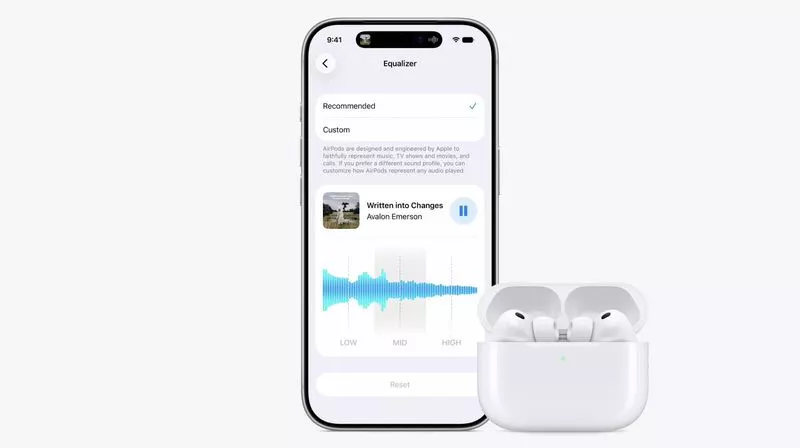
Want to adjust the sound of your AirPods? iOS 27 finally adds a built-in custom EQ for AirPods, letting you fine-tune lows, mids, and highs to match your listening style. Here's everything you need to know, including which AirPods work, how to update firmware, and step-by-step instructions.
Unlike the old Music EQ that only affected Apple Music playback, the new AirPods EQ works across all apps and audio sources. It's tied to your AirPods themselves, so your custom sound profile follows you to your iPad and Mac when you switch devices.
Apple's custom EQ requires the H2 chip. These AirPods models are compatible:
Older models, like the original AirPods Max, don't support the feature.
To see the Equalizer option, you need the latest AirPods beta firmware. Here's how to get it:
The firmware should install within 30 minutes.
Once firmware is updated, follow these steps:
You'll see a media player above the EQ so you can hear changes in real time. Lows control bass, mids handle vocals and instruments, highs add treble detail.
The same EQ settings are also available in iPadOS 27 and macOS 27 Golden Gate.
iOS 27 is still in public beta, with a full release expected in September. Once it arrives, you'll finally have the control that Sony and Bose owners have enjoyed for years.










Comment