Alerts

-
3 minutes, 38 seconds
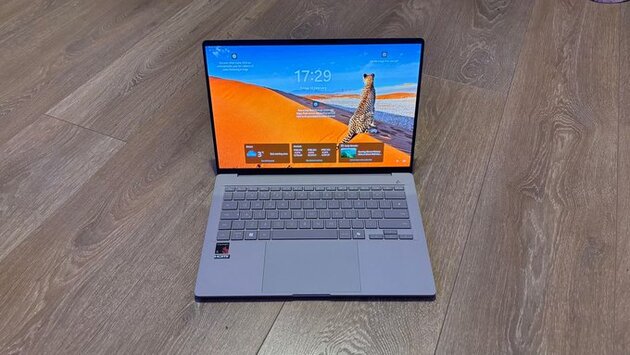
Microsoft has officially released the Windows 11 25H2 update for all eligible PCs, marking the next step in its ongoing upgrade cycle. Users can now download the update immediately, or wait as it rolls out automatically over the coming months. This version promises improvements to performance, security, and overall stability, making it a key update for Windows 11 users.
The 25H2 update uses an AI-driven “intelligent rollout,” which ensures PCs receive the update when they’re ready. This method prioritizes system compatibility, reducing the risk of bugs or performance issues. Users with Windows 11 Home and Pro editions outside corporate IT management are included in this automatic rollout, while managed enterprise editions may see a delayed deployment.
Windows 11 25H2 is not limited to existing Windows 11 users. Eligible Windows 10 devices can now directly upgrade to version 25H2. This move encourages smoother transitions to the latest OS while phasing out older Windows 10 versions. Microsoft continues to push for widespread adoption to ensure security updates and system improvements reach all users.
The 25H2 update introduces subtle interface tweaks, performance optimizations, and enhanced security features. While it isn’t a dramatic overhaul, it improves everyday workflows, such as window snapping, multitasking, and system responsiveness. Microsoft has emphasized stability, aiming to minimize disruptions during the upgrade process.
Some users may choose to delay the installation. Early adopters sometimes encounter minor bugs that only appear on specific hardware or software configurations. Microsoft’s staged rollout helps reduce these risks, but patience can ensure a smoother experience.
To manually check for Windows 11 25H2, go to Settings > Windows Update > Check for updates. If eligible, the system will display the update and allow you to start the installation immediately. Make sure your device is plugged in and backed up to prevent data loss during the upgrade.
If you opt not to manually install 25H2, your PC will eventually receive the update automatically. Microsoft plans a gradual rollout over the next several months to all compatible Windows 11 devices. Delaying the update may leave your system missing important security patches and performance improvements.
Before upgrading, ensure your system meets all requirements and that critical files are backed up. Freeing up storage space and updating drivers can prevent installation errors. Following these steps ensures that the transition to Windows 11 25H2 is seamless and minimizes potential disruptions.










Comment