
-
1 minute, 42 seconds
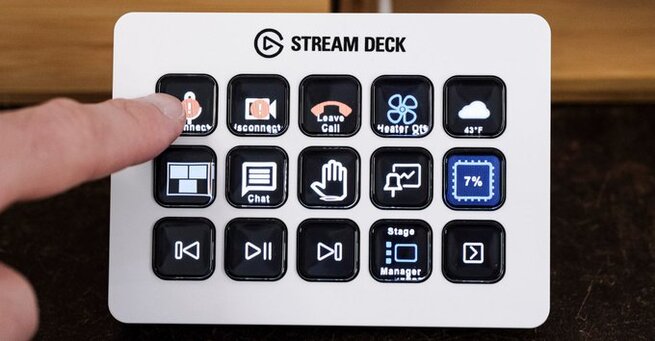
If you’ve suddenly seen a red “Device Not Supported” badge on your Stream Deck, you’re not alone. The issue mostly affects users running BarRaider plug-ins, which stopped working when Elgato’s digital certificate expired. Fortunately, there’s an easy fix: log into the Elgato marketplace and restart the Stream Deck app. After logging in, the app updates plugin authorization, and most users report functionality is restored instantly.
The simplest solution is to close and reopen the Stream Deck app while logged into your Elgato marketplace account. Once the app refreshes plugin data, the BarRaider plug-ins should work normally. Even though Elgato’s digital certificate still appears expired, a background update seems to bypass the issue — so the workaround is reliable.
BarRaider plug-ins check your system to confirm that StreamDeck.exe is digitally signed. When the certificate from Elgato unexpectedly expired, plug-ins flagged the running app as invalid, triggering the device not supported warning. Logging in allows Stream Deck to refresh plugin signatures, resolving the auto-validation error.

2.6K articles

1.4K articles

34 articles

28 articles












Comment