Alerts

-
2 minutes, 2 seconds
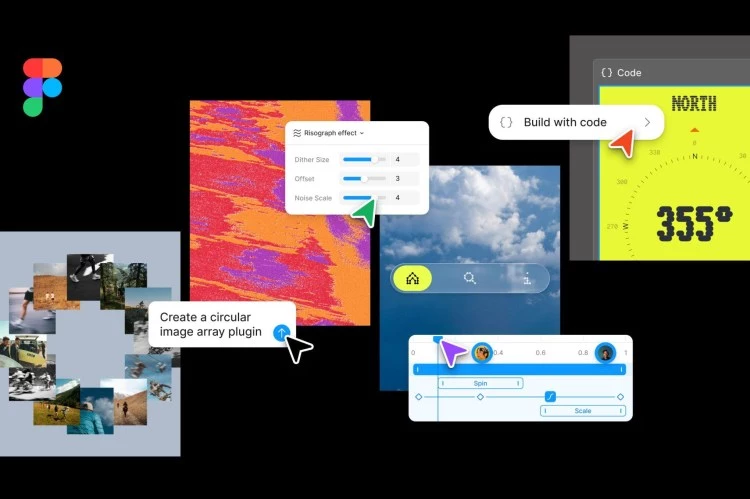
Figma just got a major upgrade. The popular design tool now includes AI motion graphics and shader tools, plus a new feature called code layers. This means you can create animations, visual effects, and even write code directly on the Figma Design canvas. For designers and developers, this is a game-changer.
AI motion graphics let you add movement to your designs without manual keyframing. You describe the animation you want, and Figma’s AI generates it. Shader tools allow you to apply real-time visual effects like gradients, glows, and distortions—all powered by AI.
Shaders are small programs that control how graphics are rendered. With Figma’s new tools, you can apply shaders to any layer. For example, you can add a ripple effect to a button or a neon glow to text. The AI handles the heavy lifting.
Figma also introduced code layers. This feature lets you write HTML, CSS, or JavaScript code directly on the design canvas. The code runs in real-time, so you can see exactly how your design will behave in a browser.
Here are a few ways to get started:
Figma’s AI tools lower the barrier to creating advanced animations and effects. Code layers make it easier to move from design to development. Whether you’re a solo designer or part of a team, these features can speed up your workflow and improve your final product.
Start experimenting with AI motion graphics, shader tools, and code layers today. Your next project might just be your best one yet.









Comment