
-
1 minute, 48 seconds
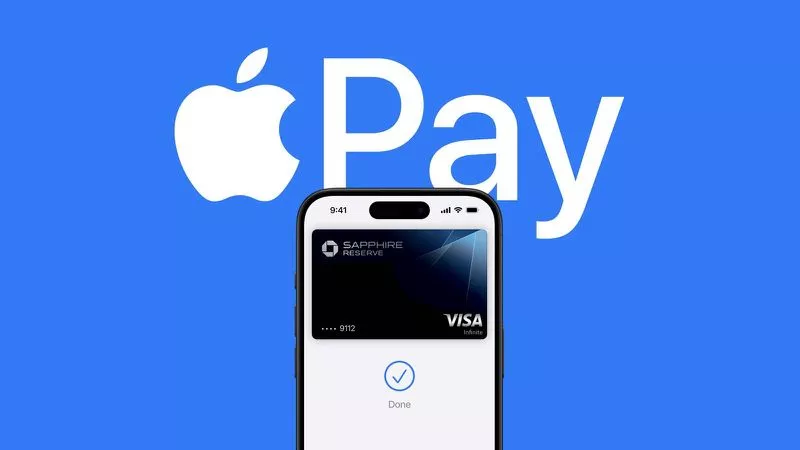
Apple Pay has officially launched in the Philippines, allowing iPhone and Apple Watch users to add their supported debit and credit cards to the Wallet app and make contactless payments. As of today, customers can use Apple Pay at retail stores that support NFC payments, making it easier and faster to pay for everyday items.
Setting up Apple Pay is simple. Just follow these steps:
According to early user reports on Reddit, the following banks are already supported:
More banks may be added soon. Apple usually updates its official list of participating banks after a launch, so keep an eye on Apple's website for the full list.
You can use Apple Pay anywhere that accepts contactless payments. In the Philippines, Reddit users have already successfully paid at popular stores like Starbucks and 7-Eleven. Just look for the contactless symbol or the Apple Pay logo at checkout.
Apple Pay is already available in many countries around the world. This launch in the Philippines means that locally issued cards can finally be tokenized and used on Apple Pay. The Philippines is now part of a growing list of supported countries, and Apple will likely update its official country list soon.
If you haven't tried Apple Pay yet, now is a great time to set it up. Go to your Wallet app, add your card, and start enjoying the convenience of contactless payments today.

2.6K articles

1.4K articles

34 articles

28 articles












Comment