Alerts

-
2 minutes, 31 seconds
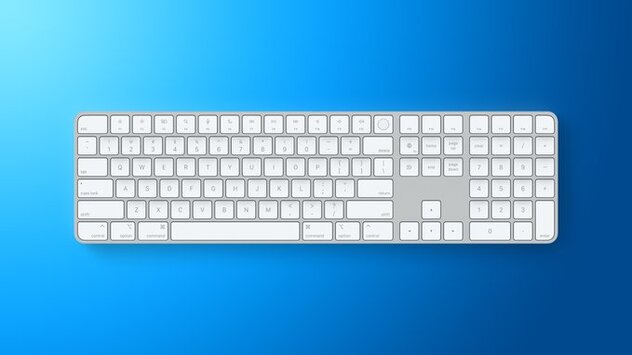
Apple has rolled out an exciting new firmware update for its popular accessories, including the 140W USB-C Power Adapter, Magic Keyboard, and Magic Trackpad. This update brings the latest performance improvements and potential security enhancements, making your Apple setup more reliable than ever. Users can now enjoy smoother connectivity and improved accessory functionality.
The 140W USB-C Power Adapter firmware update promises better energy management and stability for high-powered Mac devices. While Apple hasn’t detailed every change, users can expect smoother charging performance and enhanced safety during fast charging sessions. This update is especially beneficial for MacBook Pro users who rely on maximum power efficiency.
For Magic Keyboard and Magic Trackpad users, the update brings firmware version 3.1.9 to USB-C models launched in October 2024. Improvements may include faster responsiveness, more reliable Bluetooth connectivity, and general performance boosts. Apple’s accessory firmware updates are rare, so this is a significant upgrade for daily productivity.
Installing the new firmware is simple. Connect your accessory to your Mac, then open System Settings → General → Software Update. Follow the on-screen instructions to apply the update. After installation, the USB-C Magic Trackpad and keyboards will all run firmware version 3.1.9, ensuring you get the latest enhancements from Apple.
Even minor firmware updates can make a noticeable difference in device performance and security. Apple’s update for the 140W USB-C Power Adapter, Magic Keyboard, and Magic Trackpad ensures your accessories remain reliable, efficient, and compatible with the latest macOS features. Regular updates help extend device lifespan and prevent potential issues.









Comment