
Alerts
-
2 minutes, 6 seconds
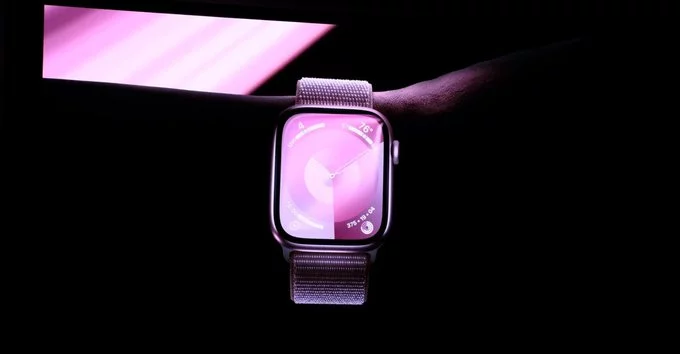
Apple has officially dropped support for a long list of iPads and Apple Watches with its latest OS updates. If you own an older iPad or Apple Watch, you may no longer receive new software updates, security patches, or app compatibility. This change affects devices released several years ago, so it's important to check if your model is impacted.
Apple's latest iPadOS update cuts support for several older iPad models. These devices will not get the new features or critical security fixes. Here is the list of affected iPads:
Similarly, the latest watchOS update leaves behind some older Apple Watch models. If you own one of these, you won't be able to upgrade to the newest watchOS version:
Apple regularly drops support for older hardware to focus on performance, security, and new features for newer devices. Older chips often cannot handle the demands of modern software. While this can be frustrating, it helps ensure a smooth and secure experience for most users.
If your iPad or Apple Watch is on the unsupported list, you have a few options:
Not sure which model you own? Here's how to find out:
For iPad: Go to Settings > General > About. Look for the model name or number.
For Apple Watch: Open the Watch app on your iPhone, tap My Watch > General > About. The model name will appear.
Apple dropping support for a long list of iPads and Apple Watches is a reminder that technology evolves quickly. While it may be time to upgrade, your older device can still serve as a backup or for basic tasks. Stay informed about future updates to avoid surprises.










Comment