Alerts

-
1 minute, 54 seconds
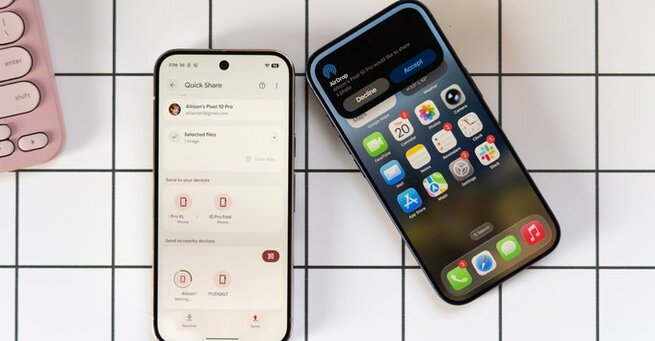
Google just changed the game for Android users. AirDropping stuff from a Pixel phone rules so much because it now allows seamless file sharing to iPhones, iPads, and Macs—without complicated workarounds. No more emailing files to yourself or uploading to cloud drives. With Pixel 10 and Pixel 10 Pro, transferring photos, documents, and even screenshots has never been faster or easier.
Getting started is simple. First, ensure your Pixel 10 or Pixel 10 Pro is updated to the latest software. Then, download the new system app Google rolled out. Once installed, you can instantly share files by selecting “Nearby Share” and choosing the recipient. Within seconds, your file lands safely on the other device, whether it’s Apple or Android. This feature is ideal for both personal and professional use.
Pixel users are already finding clever ways to use this feature. Sending work receipts to a MacBook, sharing vacation photos with friends on iOS, or quickly transferring PDFs between devices has become effortless. Even if you switch between platforms, you won’t lose the convenience. It’s the kind of productivity hack Android users have been waiting for—and it works beautifully.










Comment