Alerts

-
2 minutes, 59 seconds
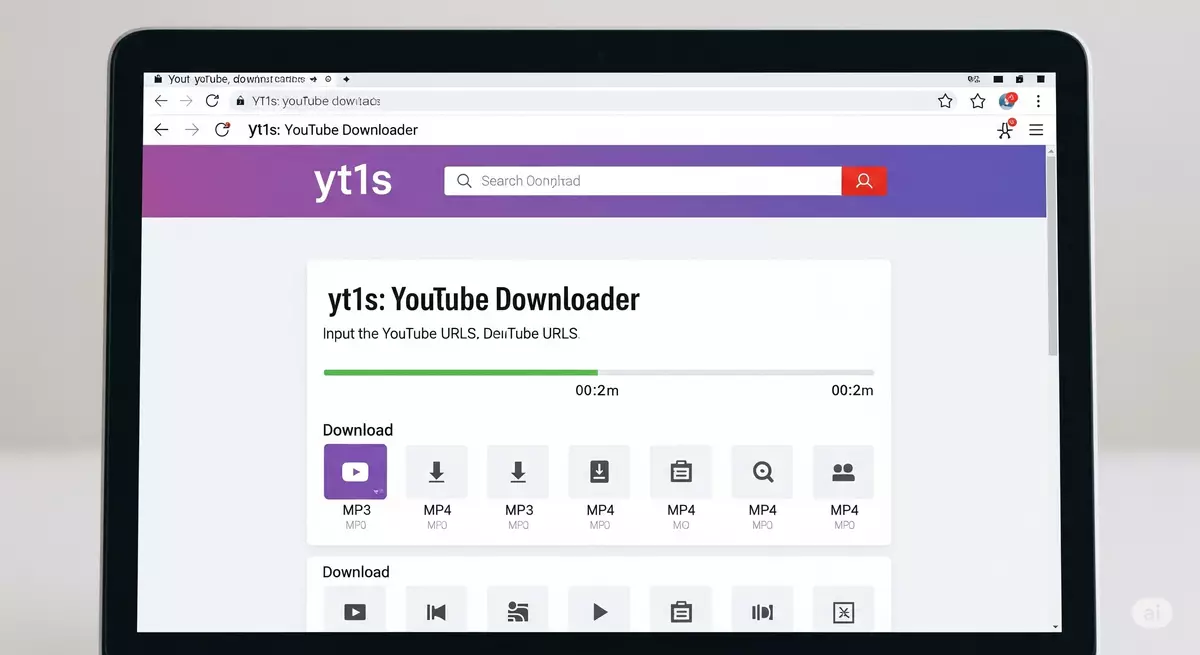
Watching videos online is easy, but sometimes you may want to save a video or listen to music offline. This is where tools like YT1s and other YouTube downloaders come in. They offer different ways to access video and audio files, depending on your needs.
In this guide, we will explain how YT1s compares with other downloaders, what features to look for, and how to choose the right option.
YT1s is an online tool known for converting YouTube links into downloadable audio or video files. Users can usually paste a video link, select a format, and follow the steps shown on the website.
Many people search for YT1s when they want a simple way to convert videos without installing desktop software. Its main appeal is its browser-based process, which can work on compatible computers, tablets, and mobile devices.
One common reason people use YT1s is to convert video content into different formats. The available options may vary depending on the website version and the source video.
YouTube to MP3: This option converts video content into an audio file. It can be useful for listening to music, talks, or educational content offline when you have permission to download it.
YouTube to MP4: MP4 is a popular video format that works with many phones, computers, and media players. It is a suitable choice when you want to keep both the picture and sound in a single file.
A YouTube MP3 converter focuses on audio, while a YouTube downloader may offer video downloads, audio extraction, or both.
YT1s is one option among several types of downloading tools. The best choice depends on your preferred format, device, and the features you need. Online converters: Tools like YT1s work through a web browser. They are convenient when you want to avoid installing extra software.
Desktop downloaders: These programs may provide more control over file formats, download quality, and batch downloads. Some also support managing several files at once.
Mobile apps: Mobile downloading apps can offer a convenient experience on supported devices. Their features and availability depend on the operating system and app store rules.
Official offline features: Services such as YouTube Premium offer offline viewing for eligible videos in supported locations. This option lets users watch content within the YouTube app.
When comparing a YouTube downloader, check its supported formats, available quality settings, device compatibility, and ease of use.
Start by deciding whether you need an audio file or a video file. If you only need sound, an MP3 option may suit you. If you want the full video, look for MP4 support.
Next, consider convenience and safety. Check the website address carefully, avoid suspicious download buttons, and do not install unknown files or browser extensions. Also, review the tool's privacy practices before sharing links or personal information.
Make sure your downloads follow copyright rules and YouTube's terms. Download content only when you have permission or when an official download option is available.
YT1s and other YouTube downloaders offer different ways to handle online video and audio. Browser-based converters focus on convenience, desktop programs may offer more controls, and official offline features provide another option.
By comparing formats, quality, compatibility, and safety, you can find an approach that fits your needs. Whether you are looking for YouTube to MP3 or YouTube to MP4, choose a method that respects content owners and works well with your device.


Comment