Alerts

-
2 minutes, 12 seconds
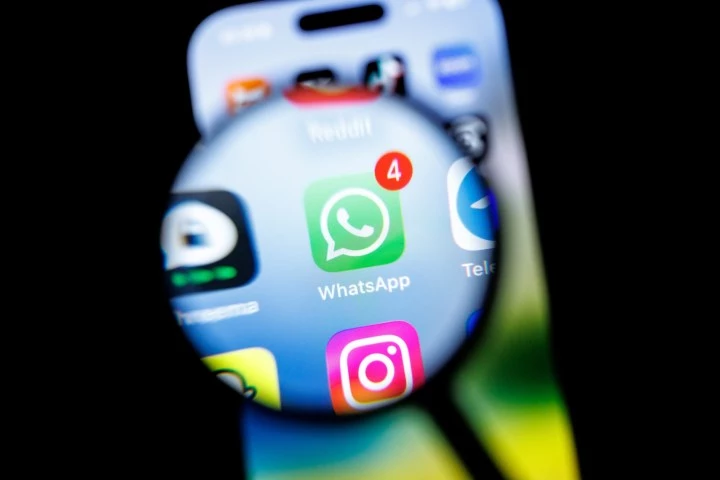
WhatsApp users around the world have been reporting that their accounts were suddenly blocked and placed “under review” by Meta. The company has responded to TechCrunch’s inquiries, saying it is actively working on restoring access to these accounts. If your WhatsApp account has been locked, you’re not alone – and help is on the way.
Over the past few hours, many users across social media platforms like X and Threads have shared screenshots showing a message that says, “Your account activity and” – and then the account becomes inaccessible. The issue appears to have affected a large number of accounts, sparking widespread concern among WhatsApp users.
In an official statement to TechCrunch, WhatsApp confirmed that it is aware of the problem and is working to fix it. The company said it is restoring access to affected accounts as quickly as possible. While there is no official timeline, users are advised to wait and avoid trying to re-register multiple times, as that could delay the recovery process.
If you’ve been locked out, here’s what you should do:
WhatsApp often blocks accounts that appear to violate its terms, such as sending bulk messages or using unofficial apps. However, in this case, many users have reported being blocked without any clear reason. This suggests a technical bug rather than a systematic ban wave.
While waiting for the fix, avoid these common mistakes:
This incident highlights how much we depend on WhatsApp for daily communication. If you’re affected, rest assured that the company is working on it. In the meantime, consider using alternative messaging apps like Telegram or Signal to stay in touch with important contacts.
We’ll update this article as soon as WhatsApp provides more details. If your account has been restored, let us know in the comments!

2.8K articles

1.6K articles

34 articles

28 articles













Comment