
Alerts
-
2 minutes, 43 seconds
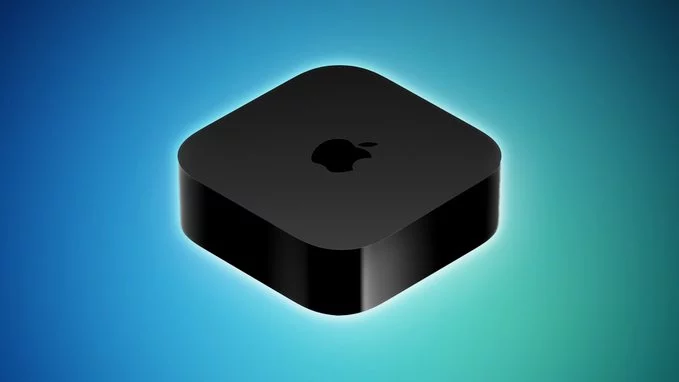
Apple today finally shared release notes for tvOS 27, nearly two weeks after releasing the software update. Many of the new features and changes listed were already known, but the notes are worth sharing for the sake of completeness.
tvOS 27 was released on Monday, September 14, but the Apple TV does not show release notes for software updates in the Settings app. Instead, Apple periodically updates a support document outlining what is new in tvOS updates.
According to the notes, the update brings enhancements to the Apple Music, Podcasts, and AirPlay experiences on tvOS. It also brings captions to more content, adds the ability to block individual apps, and provides bug fixes and security updates for your Apple TV 4K.
Apple Music on the Apple TV gains two notable upgrades in tvOS 27, both aimed at listeners who want more from their living room setup.
The update adds Hi-Res Lossless audio support, which Apple says provides a studio-quality listening experience. For subscribers with compatible equipment, this means music can be played back at higher fidelity than before.
AutoMix is the second headlining addition. It transitions one song into the next the way a DJ does, using time stretching and beatmatching to deliver a continuous playback experience. Instead of abrupt gaps between tracks, AutoMix blends them together so a playlist or album keeps flowing without interruption.
Together, the two features make Apple Music on tvOS 27 feel more like a dedicated audio system. Full details are available in Apple's release notes for tvOS 27.
Beyond music, tvOS 27 delivers a handful of smaller but welcome upgrades across the Apple TV experience.
Video podcasts now bring your favorite shows to the TV in the redesigned Podcasts app. AirPlay performance improvements deliver faster, more responsive connections when sharing photos, videos, and music from iPhone, iPad, or Mac to Apple TV. Transcribed audio helps you follow along with content when standard captions or subtitles aren't provided.
Accessibility also gains Dynamic Text support, allowing you to set your preferred text size across supported apps.
On the privacy and control side, individual app controls in Settings let you block users from launching specific apps.
Apple notes that the update also brings captions to more content, along with bug fixes and security updates for your Apple TV 4K.
Before you update, it is worth confirming that your Apple TV is supported. According to Apple, tvOS 27 is compatible with the Apple TV 4K (2nd generation) and newer. If you own an older Apple TV HD or a first-generation Apple TV 4K, you will not be able to install this release.
Beyond the headline features, tvOS 27 also delivers important behind-the-scenes maintenance for supported devices. Apple states that the update provides bug fixes and security updates for your Apple TV 4K, making it a recommended install for anyone running a compatible model.
As always, you can check for the update by opening the Settings app on your Apple TV and navigating to the Software Update section. Since Apple does not display release notes directly on the Apple TV, the company maintains a support document that outlines what is new in each tvOS update.










Comment