Alerts

-
2 minutes, 6 seconds
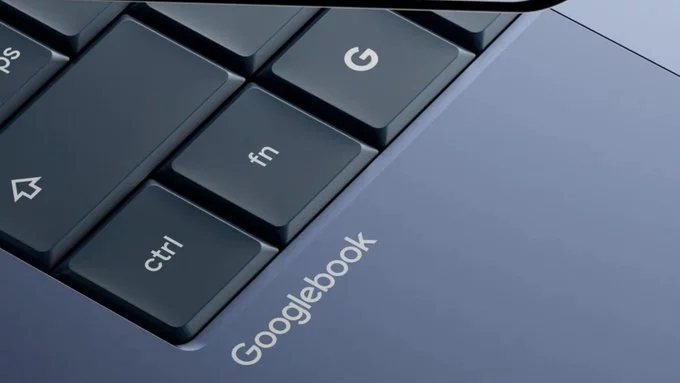
The long-awaited Android for PC is here. This means you can now run Android apps and games directly on your desktop or laptop computer. No need for clunky emulators or complicated setups. You get the full Android experience on a bigger screen with keyboard and mouse support.
This is a game-changer for productivity, gaming, and multitasking. Whether you want to use your favorite messaging app, edit documents on the go, or play mobile games with precision, Android on PC makes it possible.
Android for PC is built into some new computers or available as a simple installation. It runs Android apps natively, meaning they work smoothly without lag. You can access the Google Play Store, download apps, and use them just like on a phone or tablet.
This is perfect for anyone who wants the best of both worlds: the power of a PC and the simplicity of Android. Students can take notes with Android apps. Professionals can run mobile-only tools on a bigger screen. Gamers can enjoy touch-based games with a mouse.
Yes, in most cases. Native Android for PC runs faster, uses less memory, and integrates better with your computer’s hardware. Emulators often have lag and compatibility issues. With native support, you get smoother performance and fewer crashes.
However, if your PC doesn’t have native Android support, a good emulator is still a solid option. Just make sure your computer has enough RAM and a decent processor.
Android for PC is finally here, and it’s more accessible than ever. Whether you’re a casual user or a power user, this opens up new ways to work, play, and stay connected. Try it today and see how it transforms your desktop experience.







Comment