
Alerts
-
2 minutes, 12 seconds
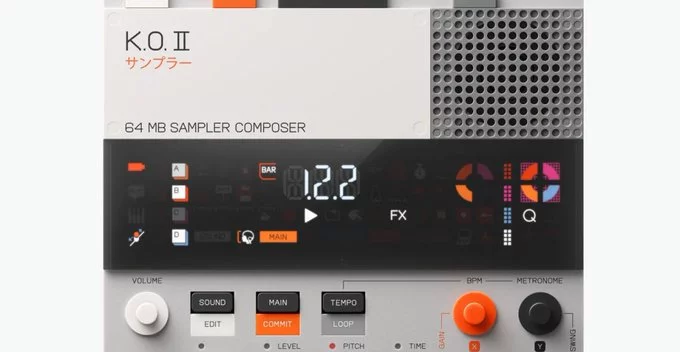
Teenage Engineering has just rolled out a major firmware update for its popular EP-133 KO II sampler. This update brings highly requested features like a lo-fi mode, USB audio output, and several workflow improvements. If you own this portable sampler, these new tools make it even more powerful for music production on the go.
The latest KO II firmware adds features that musicians and beatmakers have been asking for. Here’s a quick breakdown of the most important changes:
Updating your EP-133 KO II is simple. Connect it to your computer using a USB-C cable, then download the official updater from the Teenage Engineering website. Follow the on-screen instructions. The whole process takes about 5 minutes.
The lo-fi mode is a standout feature. It lets you apply tape saturation, vinyl noise, and sample rate reduction in real time. This means you can get that warm, dusty sound without external plugins or effects pedals. For producers making lo-fi hip-hop, ambient music, or experimental electronic tracks, this is a game-changer.
Before this update, recording audio from the KO II required a separate audio interface or mixer. Now, with USB audio output, you can plug the sampler directly into your laptop and record stereo audio into any DAW (like Ableton Live, Logic Pro, or FL Studio). This saves time and reduces clutter in your setup.
Teenage Engineering continues to support the EP-133 KO II with meaningful updates. The addition of lo-fi mode and USB audio makes this sampler even more versatile for home studios and live sets. If you haven’t updated yet, now is the time to explore these new creative possibilities.










Comment