
Alerts
-
2 minutes, 37 seconds
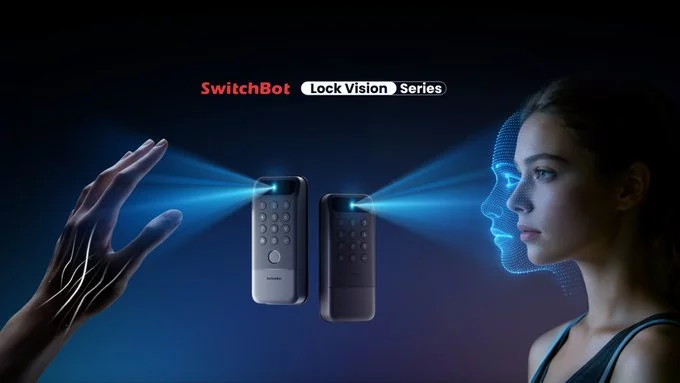
SwitchBot has launched two innovative smart locks that support the Matter protocol and come with advanced 3D facial recognition technology. These new locks make your home more secure and easier to access—no keys, no codes, just your face. Whether you want to upgrade your front door or add smart access to another entry, these locks offer a simple, reliable solution.
SwitchBot’s latest products are designed for modern smart homes. Both locks use Matter, the universal smart home standard, so they work seamlessly with Apple Home, Google Home, Amazon Alexa, and Samsung SmartThings. The key feature is 3D facial recognition, which quickly identifies your face and unlocks the door in seconds.
These locks offer several benefits over traditional locks or even other smart locks. First, 3D facial recognition is more secure than fingerprint or PIN code systems. It can’t be easily copied or guessed. Second, Matter support means you don’t need to worry about compatibility. You can control the lock from any Matter-compatible app or voice assistant. Third, the convenience is unmatched—just walk up to your door, and it unlocks automatically.
The standard model is ideal for most users who want basic smart lock features with facial recognition. The advanced model adds a 180-degree camera, two-way audio, and a doorbell function. This makes it perfect for those who also want to see and speak to visitors at the door.
SwitchBot’s new locks show how smart home technology is becoming easier and safer. With Matter, you can mix and match devices from different brands without hassle. And with 3D facial recognition, you get top-tier security that’s also convenient. If you’re looking to upgrade your home security, these locks are a smart choice.










Comment