Alerts

-
2 minutes, 10 seconds
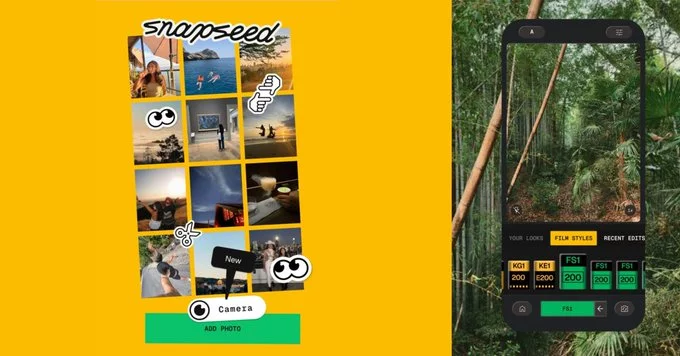
The popular Snapseed camera on Android just got a useful update that adds grid lines and a level tool. This new feature helps you take straighter, better-composed photos right from the app. Whether you're a beginner or a pro, these tools make framing your shots easier than ever.
Grid lines overlay a set of horizontal and vertical lines on your camera screen. They help you follow the rule of thirds, a classic photography technique. By placing your subject along these lines or at their intersections, you create more balanced and interesting images.
The level tool is a simple yet powerful addition. It shows a bubble or indicator to tell you if your camera is tilted. This is especially handy for Android photography when you want straight horizons or symmetrical shots. No more crooked photos that need editing later.
Using these tools is straightforward:
These features are available in the latest version of the app. Make sure your app is updated from the Google Play Store.
Here are a few practical tips to improve your mobile photography with Snapseed:
Snapseed is already a top choice for photo editing on Android. Adding these camera tools makes it a more complete photography app. You can now compose and capture images without switching to another camera app. This update saves time and helps you get the shot right the first time.
Whether you're taking quick snaps or planning a creative project, the grid lines and level tool in Snapseed are valuable additions. Try them today and see the difference in your photos.










Comment