
Trending
Trending Hashtags
Alerts
-
2 minutes, 49 seconds
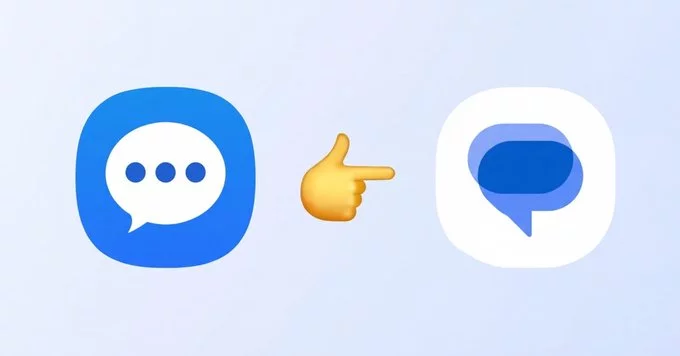
Samsung is officially shutting down its Samsung Messages app this month, pushing users to switch to Google Messages. This change marks the end of Samsung’s default messaging app on Galaxy phones, as the company moves to a unified messaging experience powered by Google’s RCS (Rich Communication Services). If you own a Samsung phone, here is what you need to know and how to make the switch smoothly.
Samsung has decided to replace its own messaging app with Google Messages to provide a more consistent and feature-rich experience. The main reason is RCS—a modern messaging standard that supports high-quality photos, videos, read receipts, and typing indicators. Google Messages is the leading RCS app, and Samsung wants its users to enjoy these advanced features without fragmentation.
The shutdown is happening sometime this month. Samsung has already started disabling the app on newer Galaxy models, and older devices will lose access soon. You may see a notification prompting you to switch to Google Messages or download it from the Google Play Store.
Switching is simple and takes just a few minutes. Follow these steps:
Your old SMS and MMS messages will remain on your phone if you switch. Samsung Messages does not delete them automatically. However, to avoid losing any data, it is a good idea to back up your conversations using Samsung Cloud or Google Drive before the app stops working.
Unfortunately, there is no way to keep using Samsung Messages after the shutdown. Samsung will remove the app from its devices, and it will no longer receive updates. The best alternative is Google Messages, but you can also try other SMS apps like Textra or Pulse SMS if you prefer a different interface.
The end of Samsung Messages is a big change for Galaxy users, but it brings better messaging features and security. Google Messages is now the default SMS and RCS app on Samsung phones, and the transition is designed to be easy. Make the switch this month to avoid losing access to your texts and enjoy a modern messaging experience.







Comment