
-
2 minutes, 6 seconds
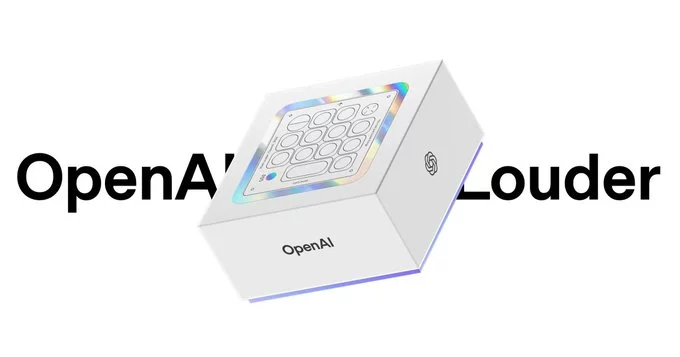
OpenAI has officially released its first piece of hardware, designed specifically for its Codex AI coding assistant. This new device aims to help developers write, debug, and optimize code faster than ever before. In this article, we break down what the hardware does, who it's for, and how it could change the way you work.
The OpenAI Codex hardware is a standalone device that runs the Codex AI model locally. Instead of relying on a cloud connection, this hardware processes code suggestions and completions right on your desk. That means lower latency, better privacy, and offline capability.
This hardware is built for software developers, data scientists, and anyone who writes code regularly. If you work in a secure environment where cloud-based AI isn't allowed, this device offers a safe alternative. It's also great for developers who travel or work in areas with unreliable internet.
Getting started is simple. Unbox the device, plug it into your computer via USB-C or connect wirelessly, and install the companion software. The setup wizard will guide you through linking it to your preferred code editor—Visual Studio Code, JetBrains, and Sublime Text are all supported.
OpenAI's move into hardware with Codex is a game-changer for developers who value speed, privacy, and reliability. While it won't replace cloud-based tools for everyone, it fills a clear need for offline and secure coding. If you're a professional developer, this device is worth a serious look.

2.6K articles

1.4K articles

34 articles

28 articles














Comment