Alerts

-
2 minutes, 46 seconds
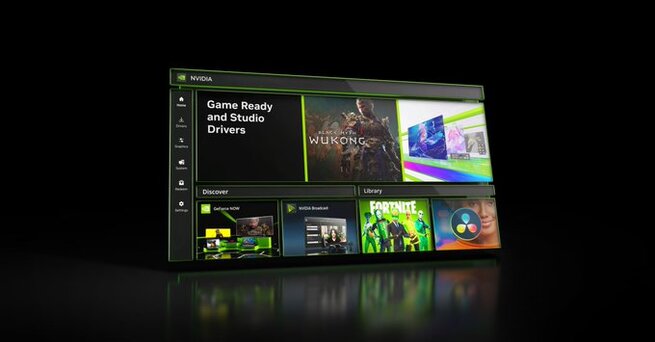
Nvidia’s app gets global DLSS override and more control panel features in its latest update, giving PC gamers more flexibility and reducing the need for the old Nvidia Control Panel. The upgrade also adds enhanced graphics settings and new overlays for smoother game customization.
For the past 18 months, Nvidia has been steadily transforming its app into a one-stop hub. This week’s update pushes it even closer to replacing the legacy Control Panel, making it easier for players to fine-tune performance without switching tools.
The standout feature is the new global DLSS override. Previously, gamers had to configure Deep Learning Super Sampling (DLSS) settings for each title individually. Now, with one global toggle, users can set preferences across all supported games.
Nvidia’s in-game overlay has also been updated to display active DLSS settings, making it simple to track and adjust performance on the fly. This change is especially useful for players who jump between multiple titles and want consistent visuals.
Alongside DLSS upgrades, the new update moves classic graphics options directly into the app. Features like anisotropic filtering, anti-aliasing, and ambient occlusion—once only accessible through the legacy Control Panel—are now available in the modern interface.
This shift means PC gamers won’t need to rely as heavily on Nvidia’s older tools. Nvidia Surround setup is also being integrated, further consolidating settings into one streamlined experience.
The update also includes tweaks to Project G-Assist, Nvidia’s AI-powered gaming assistant. While still evolving, these changes show Nvidia’s commitment to making its ecosystem smarter, faster, and more accessible.
With these upgrades, Nvidia is steadily moving toward a future where everything can be controlled from its modern app—fewer clicks, more power, and a smoother gaming experience.










Comment