
Alerts
-
2 minutes, 33 seconds
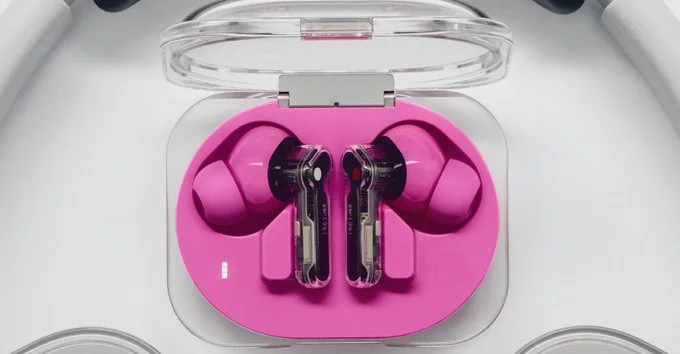
Nothing’s latest earbuds come with a powerful new feature: they can record calls and capture whatever audio you’re listening to. This means you can save important conversations, podcast snippets, or music clips directly from your earbuds. In this article, we’ll explain how this works, why it matters, and what you need to know before using it.
These earbuds are designed for people who want more control over their audio. Unlike standard wireless earbuds, this model includes built-in recording capabilities. You don’t need a separate app or device. Just tap a button, and the earbuds start saving audio.
The earbuds use built-in microphones and software to capture audio. When you start a call or play audio, you can press a dedicated button to begin recording. The earbuds save the file internally. Later, you can review or share it.
Recording calls and audio can help in many situations:
Before using the recording feature, it’s important to understand privacy laws. In many places, you need permission from all parties to record a call. Always check local regulations. Nothing’s earbuds include a privacy notice in the app, but it’s your responsibility to use the feature ethically.
Most wireless earbuds, like Apple AirPods or Samsung Galaxy Buds, do not offer built-in recording. You would need third-party apps or extra devices. Nothing’s new earbuds simplify the process, making them a great choice for people who frequently need to save audio.
Nothing’s new earbuds with call and audio recording are a game-changer for productivity and convenience. Whether you’re a busy professional, a student, or just someone who loves capturing audio, these earbuds offer a simple, all-in-one solution. Just remember to use the feature responsibly.










Comment