Alerts

-
1 minute, 58 seconds
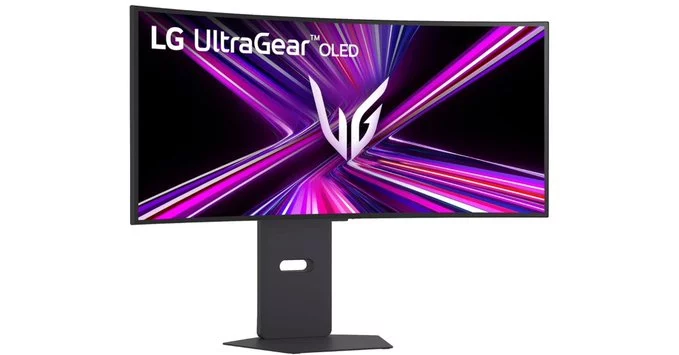
LG monitors, known for their high-quality displays, have recently been reported to display unwanted McAfee pop-up ads on Windows systems. This unexpected addition has frustrated many users, as the ads appear directly on the screen, often interrupting work or gaming sessions. In this article, we explain why this happens, how it affects your experience, and what you can do to stop the pop-ups.
The issue stems from LG's OnScreen Control software, which includes a McAfee security trial. When this software is installed on your Windows PC, it can trigger pop-up ads promoting McAfee products. While LG likely intended to offer added security, the result is an intrusive experience that many users find annoying.
If you're tired of these ads, here are three simple steps to stop them:
Users are calling on LG to remove these ads from future software updates. If you're affected, consider leaving feedback on LG's support page. Consumer pressure often leads to positive changes.
In summary, LG monitors with McAfee pop-up ads are a nuisance, but you can easily stop them. By uninstalling the associated software, you can enjoy your monitor without interruptions. For the best experience, always opt for clean installations and reliable security tools like Windows Defender.






Comment