Alerts

-
2 minutes, 41 seconds
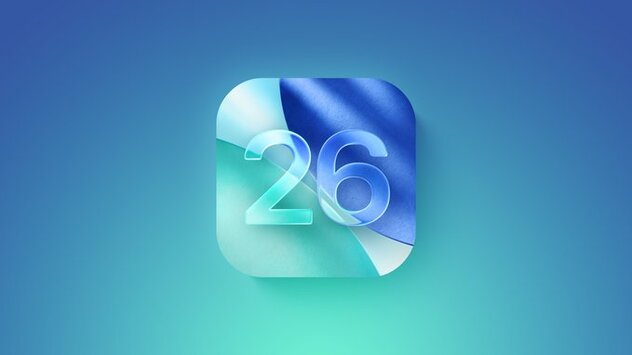
Apple Launches iOS 26 and iPadOS 26 Beta 4 with Refined Features
Apple has released iOS 26 and iPadOS 26 Beta 4, offering developers access to the latest enhancements ahead of public rollout. This fourth beta, arriving two weeks after the third, introduces noticeable refinements in design and functionality. With the highly anticipated Liquid Glass aesthetic and upgraded multitasking tools, Apple is clearly aiming to elevate the overall user experience. If you're a registered developer, you can now download the beta via the Settings app under Software Update.
Liquid Glass Design Shines in iOS 26 and iPadOS 26 Beta 4
One of the standout changes in iOS 26 and iPadOS 26 Beta 4 is the expanded use of Apple’s Liquid Glass interface. The visually striking design introduces translucent layers and glass-like textures across the Lock Screen, Home Screen, Control Center, and app interfaces. This marks a bold evolution in Apple’s visual language, creating a sense of depth and fluidity throughout the system. The design language is not only aesthetic but also functional—improving focus and clarity while navigating through apps.
Apple Intelligence and App Upgrades Take Center Stage
Beyond design, iOS 26 and iPadOS 26 Beta 4 deepen Apple’s integration of artificial intelligence, branded as Apple Intelligence. These smart features enhance native apps like Messages, Phone, Apple Music, and Shortcuts. For example, Siri now offers more intuitive task suggestions, and Music gets smarter playlists based on listening habits. Beta 4 also refines previous updates found in earlier betas, smoothing out glitches and improving performance across supported devices.
iPadOS 26 Beta 4 Introduces Desktop-Level Multitasking
Multitasking is a major win for iPadOS 26 Beta 4. The update introduces a Mac-like windowing system that supports multiple app windows, giving users more control over screen real estate. This allows for a smoother workflow when switching between apps or using split-view mode. It's a clear step toward bridging the gap between macOS and iPadOS, especially for professionals who rely on their iPads for productivity.








Comment