Alerts

-
6 minutes, 39 seconds
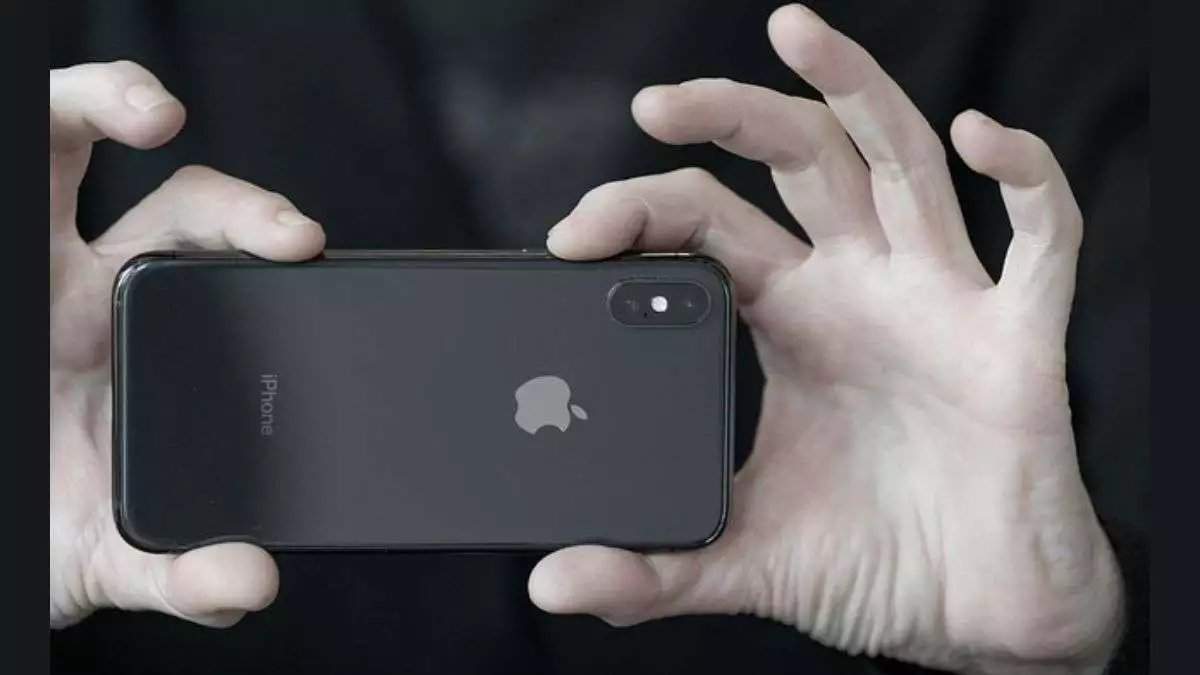
An old iPhone can retain meaningful value even after you decide to upgrade. However, its final valuation may depend on the model, storage capacity, physical condition, battery health, functionality and current demand. If you want to sell iphone at best price, it helps to assess the device early, describe its condition accurately and prepare it properly before handover. Taking a few practical steps can protect your personal data, prevent avoidable damage and help you make a more informed decision about repairing, selling or reusing the phone.
Smartphones generally lose value over time. New models enter the market, batteries deteriorate and older devices eventually receive fewer software updates. Even when an iPhone remains unused in a drawer, its resale potential may continue to fall.
Once your new phone is working correctly and your data has been transferred, decide whether you genuinely need the old device as a backup. If you are unlikely to use it again, requesting a valuation sooner may help preserve more of its remaining value.
Do not wait until the phone stops working completely. A functional device is usually easier to assess and may offer more options than one with serious hardware or battery problems.
Clean the phone gently using suitable materials and examine it under clear lighting. Check the screen, frame, back panel, camera lenses, buttons and charging port for:
Cracks or deep scratches
Dents or a bent frame
Broken camera glass
Signs of water damage
Loose or unresponsive buttons
Separation between the screen and frame
Light signs of normal use may affect value less than damage that changes the phone’s appearance or functionality. Do not try to hide faults, as they are likely to be identified during inspection.
Screen separation, unusual heat or a changing shape can indicate battery swelling. Stop using the phone and seek technical help. Never puncture, crush or remove a swollen battery yourself.
A clean-looking iPhone may still have faults that influence its value. Charge the device and test:
Display quality and touchscreen response
Battery life and charging performance
Front and rear cameras
Speakers and microphone
Wi-Fi, Bluetooth and mobile connectivity
Power and volume buttons
Face ID or fingerprint recognition
SIM and charging functions
Note problems that occur occasionally as well as complete failures. For example, mention if the charging connection is unreliable or the camera sometimes struggles to focus.
When you sell old iphone online, accurate condition details can reduce the likelihood of a revised valuation after the phone is inspected.
Battery condition affects the everyday usefulness of an iPhone. Common signs of deterioration include rapid power loss, unexpected shutdowns, overheating and repeated charging.
Check the battery-health information available in the settings. A reduced capacity does not necessarily make the phone unsuitable for resale, but it should be reported honestly.
Replacing the battery may improve usability, but the additional value may not cover the cost. Compare a repair estimate with the phone’s current value first.
Repairing every mark or fault does not guarantee a better financial result. An affordable repair may be worthwhile when the phone is relatively recent and otherwise reliable. A costly screen replacement may not make sense for an older device with limited software support or additional faults.
Avoid unsuitable do-it-yourself repairs. If you arrange professional work, retain the invoice and disclose replaced components.
You should also compare the phone’s estimated value before and after repair. This helps determine whether the expense is likely to provide a reasonable return.
Before erasing the phone, back up photographs, contacts, messages, documents and application information. Open important files elsewhere to confirm access.
Check authentication applications, recovery codes and files stored only on the phone. Transfer your SIM or eSIM and confirm essential applications on the replacement.
Keep the old iPhone until your data and account access have been verified. Some applications may require approval from the previous device before they can be activated on the new phone.
Deleting photographs and applications individually is not enough. Sign out of personal and work accounts, remove saved payment cards, disable device tracking and activation locks, and unpair connected watches or earbuds.
Remove the physical SIM, where applicable. After verifying the backup, perform a factory reset through the phone settings. Confirm that the device restarts at the initial setup screen and no longer displays your account.
Complete these steps before you give away, donate or sell old iphone online. Never provide an account password to a buyer or leave the device connected to your personal account.
Check whether the displayed amount is an initial estimate or a final offer and what happens if the assessed condition differs from your description.
Be honest about scratches, cracks, battery performance, replaced parts and faulty features. Describing a damaged device as being in excellent condition may result in a revised amount after inspection.
Review the collection or shipping, packaging and payment terms before accepting. You should also check the expected payment timeframe and whether you can decline a revised valuation.
Take clear photographs of the front, back, sides and screen before handover. These images provide a record of the phone’s physical condition.
If the device is being shipped, use suitable protective packaging and follow the provided instructions. Avoid placing loose accessories against the screen or camera lenses.
Keep the photographs, device details and collection or shipping confirmation until the transaction is complete. Record the serial number privately, but do not share it publicly.
The ideal time depends on the phone’s condition, software support and your need for a backup device. Selling immediately after a new model launches may expose the phone to increased competition from similar used devices.
However, waiting too long can allow its battery health and market value to decline. Check the potential valuation before purchasing your replacement so you can understand the net cost of upgrading.
Once the data transfer is complete, avoid storing the old phone indefinitely unless you have a genuine use for it.
An older iPhone with limited resale value may still be useful as an emergency backup, music player, navigation device, video-calling device or smart-home remote.
You may also give it to a family member or donate it after securely removing your information. Confirm that the battery, network compatibility and software support meet the new user’s needs.
If the phone is unsafe, seriously damaged or no longer usable, take it to an authorised electronic-waste service. Smartphones and lithium-ion batteries should not be placed in ordinary household waste.
Getting the most value from an old iPhone requires timely action, an honest condition assessment and secure preparation. Confirm the model, test every function, compare repair costs and understand the inspection process before handing over the device.
TradeBack provides a convenient way to check the potential value of your old iPhone. Preparing the phone correctly can support a smoother process while giving the device another useful life instead of leaving it unused in storage.
Consider selling once your information and essential applications work correctly on the replacement phone. Acting while the old iPhone remains functional and supported may help preserve more of its value.
Not always. Compare the repair cost with the expected increase in valuation. Expensive repairs may not be worthwhile for an older phone or a device with multiple faults.
A factory reset is important, but first back up your data, transfer authentication tools, sign out of accounts, remove payment cards, disable tracking and activation locks, unpair accessories, and remove the physical SIM.



Comment