Alerts

-
5 minutes, 22 seconds
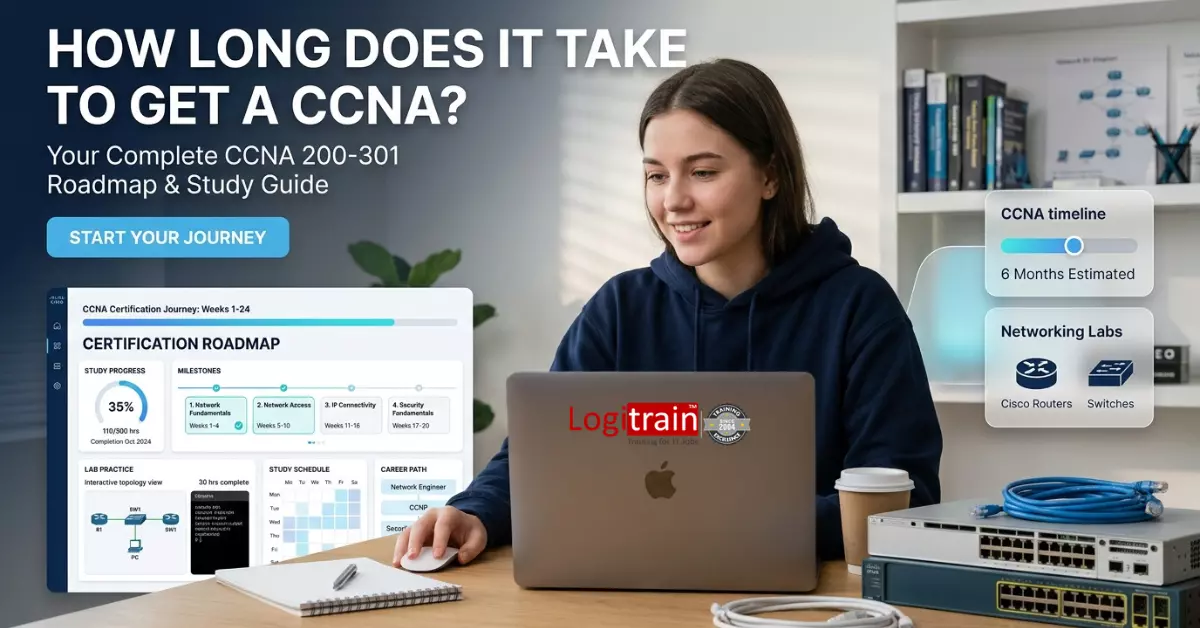
If you’re asking how long it takes to get a CCNA, the honest answer is: most candidates need 2 to 6 months, depending on their experience, study schedule, and learning approach.
For someone starting from scratch in the United States, a structured CCNA training course online can shorten that timeline significantly. Those already working in IT roles, such as help desk or systems support, may complete it faster—sometimes in as little as 6–8 weeks with focused daily study.
The key isn’t just speed. It’s building real networking skills that employers in cities like New York, Dallas, San Francisco, and Chicago actually look for. Let’s break down what affects your timeline and how you can plan it effectively.
The Cisco Certified Network Associate (CCNA) is an entry-level certification that validates your ability to:
Employers across the U.S. still view CCNA as a strong baseline credential for roles such as network technician, IT support specialist, and junior network engineer. According to Cisco’s official certification overview, CCNA focuses on real-world networking fundamentals used across enterprise environments (https://www.cisco.com).
Your starting point plays a major role in your timeline. Here’s a realistic breakdown.
If you’re transitioning careers—common among job seekers in cities like Houston or Phoenix—you’ll need more time to build foundational knowledge. This includes understanding how networks function before diving into Cisco-specific skills.
If you already troubleshoot systems or networks, you likely understand concepts like IP addressing or DHCP. That familiarity accelerates your progress.
Professionals already working with switches, routers, or cloud networking often focus on closing knowledge gaps and preparing specifically for the CCNA exam.
|
Experience Level |
Weekly Study Hours |
Estimated Completion Time |
Recommended Path |
|
Beginner (No IT Skills) |
10–15 hours |
3–6 months |
Structured online training + labs |
|
Entry-Level IT Role |
12–20 hours |
2–3 months |
Practice-heavy learning |
|
Networking Experience |
15–25 hours |
4–8 weeks |
Exam-focused preparation |
A CCNA training course online provides:
Self-study can work, but many learners take longer due to lack of direction. Structured programs, such as those offered by providers like Logitrain IT Training Online, help maintain consistency and reduce guesswork.
Networking is not just theory. You’ll need to:
Tools like Cisco Packet Tracer or GNS3 are commonly used to build these skills.
Consistency beats intensity. Studying 1–2 hours daily often leads to better retention than cramming on weekends.
Topics like TCP/IP, OSI model, and VLANs may feel complex initially. Time spent mastering these fundamentals directly impacts your overall timeline.
Weeks 1–4: Core Networking Basics
Weeks 5–8: Configuration and Protocols
Weeks 9–12: Security and Automation
Final Weeks: Exam Preparation
This structure aligns with Cisco’s exam blueprint and ensures full coverage of required skills.
Not all study approaches are equal. Here’s how to decide what works best for you.
Many successful candidates combine:
This approach balances flexibility with structure.
Imagine someone in Los Angeles transitioning from retail to IT:
Within 90 days, they are ready for the CCNA exam and prepared for entry-level networking roles. This reflects a realistic and achievable path for many U.S. job seekers.
Avoiding these pitfalls can save weeks of unnecessary delay.
Yes, but only if you already have networking experience and can dedicate full-time study hours.
Yes. Networking remains a core IT skill, and CCNA continues to be recognized by employers nationwide.
It is moderately challenging. Success depends on both theoretical knowledge and practical skills.
Most candidates study between 100–200 hours total.
No. Many candidates enter networking roles with only certifications and practical skills.
Roles include network technician, IT support specialist, and junior network engineer.
So, how long does it take to get a CCNA? For most U.S. job seekers, 2 to 6 months is a realistic range—but the real deciding factor is how you study.
A structured CCNA training course online, consistent practice, and a clear plan make all the difference. Focus on building real skills, not just passing the exam.
If your goal is to break into IT or level up your current role, the smartest next step is to choose a learning path that fits your schedule and commit to it daily. Progress in networking isn’t about rushing—it’s about mastering the fundamentals and applying them confidently.


8.3K articles

2.7K articles

1.6K articles

34 articles








Comment