
Alerts
-
3 minutes, 31 seconds
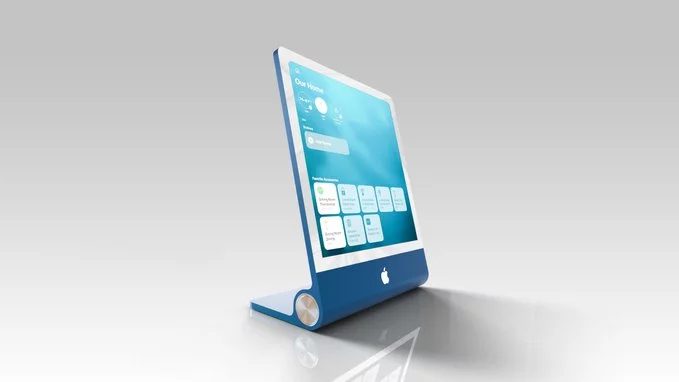
Code within the Google Home Hub app has revealed a feature that automatically switches user profiles based on facial recognition. This discovery, reported by 9to5Google, shows the system would identify who is in front of the device and then load that person’s personalized settings, such as calendar, reminders, and preferred media accounts. The hidden strings suggest the feature, called “Face Match,” would operate without manual input, detecting a face and instantly updating the hub’s interface. While this would streamline multi-user households, the code also hints at a privacy safeguard: users must opt in and enroll their face data locally on the device. The implementation appears designed to run on-device, avoiding cloud processing for the actual recognition. However, the feature is not yet active, and its presence in the code does not guarantee a public rollout. For now, the discovery confirms Google is actively exploring this capability, though no official announcement has been made regarding a launch timeline or supported devices beyond the Home Hub.
At its core, the feature would leverage the Hub’s built-in camera to perform real-time facial recognition. When a user approaches the device, the camera would capture their face and compare it against a stored database of known household members. Upon a successful match, the system would instantly trigger a profile switch, loading that individual’s personalized dashboard.
This switch would not be limited to just a name on the screen. The entire interface would adapt to the identified user, displaying their specific calendar, active reminders, and any other customized preferences they have set up. For example, one person might see their work schedule and a grocery list, while another would immediately see their medication alerts and a curated news feed.
The goal is to eliminate the manual steps of navigating menus or selecting a profile, making the interaction seamless. The system would need to handle multiple faces in view, potentially prioritizing the closest or most recently active person. This process would occur in the background, ensuring the correct profile is active before the user even touches the screen.
The primary benefit of face-based profile switching is convenience: it would allow each user to see their own information without manual switching. Instead of navigating menus or entering passcodes, the device could instantly recognize the person holding it and load their personalized settings, apps, and content. This seamless experience is particularly useful for shared devices like family tablets or living-room streaming boxes.
However, the feature raises serious privacy concerns about facial data processing and storage. Unlike a password, a face is a permanent biometric identifier that cannot be changed if compromised. Questions immediately arise about where this facial data is stored—on-device or in the cloud—and how securely it is encrypted. Additionally, users may worry about whether the system processes facial data continuously in the background, potentially capturing faces of people who are not intentional users. Without clear, transparent controls for deleting this data or opting out entirely, the convenience could come at the cost of fundamental privacy, making it essential for the company to address these risks before any public rollout.
It is important to note that this face-based profile switching feature is not yet officially announced by Google. The discovery was made entirely through code analysis, meaning the company has not confirmed any plans to release it. As such, the feature may be part of a future software update, but there is no timeline or commitment from Google at this time.
Furthermore, it remains unclear whether the feature will be available on all Home Hub devices. The code hints at functionality, but hardware variations and regional differences could affect rollout. Users should temper expectations, as features found in code often never see a public release. For now, this remains an intriguing possibility rather than a confirmed update. Google has not provided any official documentation or support pages regarding this capability, so any speculation about availability is purely that—speculation. We will need to wait for an official announcement to know if and when this feature arrives.










Comment