
Alerts
-
3 minutes, 29 seconds
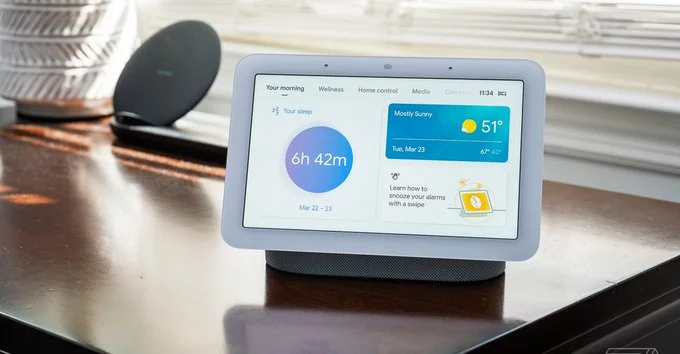
Google Home’s Gemini AI now handles more complicated requests, making your smart speaker smarter than ever. Instead of simple commands like “turn on the lights,” you can ask multi-step questions, control multiple devices at once, or get detailed answers—all in natural language. This update brings better understanding, faster responses, and a more helpful smart home experience.
Gemini AI is Google’s latest artificial intelligence model. It processes complex requests by understanding context, remembering previous commands, and linking actions together. Here’s what that means for you:
Imagine you’re cooking dinner. You can say, “Hey Google, set a 20-minute timer, add milk to my shopping list, and show me a pasta recipe on the Nest Hub.” Gemini processes all tasks at once, saving you time. Or, if you’re planning a trip: “What’s the flight status for my trip to Chicago? Also, remind me to pack an umbrella.” It pulls data from your calendar and weather apps seamlessly.
With Gemini AI, Google Home becomes more like a personal assistant. It reduces the need for multiple commands and makes your daily routines smoother. For example, a morning routine could be: “Turn off the alarm, start coffee, and read my news headlines.” Gemini executes everything without hiccups.
Google Home’s Gemini AI is a game-changer for smart home users. It handles complex requests with ease, making your daily life more efficient and enjoyable. Update your Google Home app to start exploring these new capabilities today.










Comment