Alerts

-
3 minutes, 12 seconds
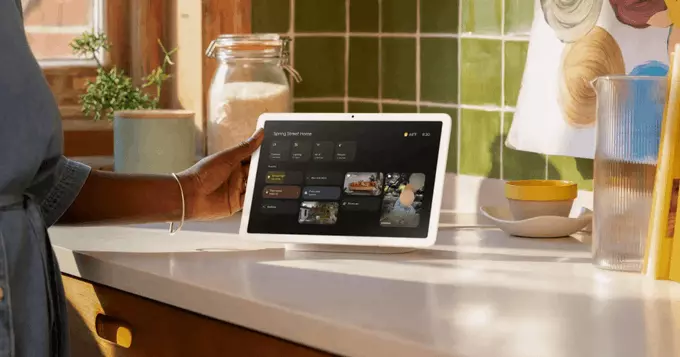
Google Home has just made it easier to understand why your smart devices aren't working. This week's update also brings snappier responses for basic commands and improvements to the Gemini assistant. If you've ever struggled with a smart light or thermostat that won't respond, this change is for you.
The latest Google Home update focuses on three key areas: device troubleshooting, faster command responses, and smarter Gemini features. Let's break down each one.
Now, when a device isn't working, Google Home will clearly explain the problem. For example, if your smart plug is offline, the app will tell you why and suggest solutions. This saves time and reduces frustration.
Google Home now responds faster to simple requests like turning off lights, setting timers, or playing music. The update reduces lag, making your smart home feel more responsive.
Gemini, Google's advanced AI, is now better at understanding complex questions and controlling multiple devices at once. You can say, "Turn off the living room lights and set the thermostat to 72," and it works smoothly.
These changes make Google Home more reliable and user-friendly. Fewer errors mean less downtime for your devices. Faster responses mean you spend less time waiting. And smarter Gemini features mean you can control your home with natural language.
Pro Tip: After updating your Google Home app, try asking "Why isn't my kitchen light working?" to see the new troubleshooting feature in action.
This update rolls out automatically to all Google Home devices. Make sure your app is up to date in the Google Play Store or Apple App Store. If you have a Nest Hub or Nest Mini, you'll notice the changes within a few days.
Google Home's latest update is a big step forward for smart home users. With easier troubleshooting, faster responses, and better Gemini integration, your devices will work more smoothly than ever. Update your app today and enjoy a smarter, less frustrating home.









Comment