Alerts

-
4 minutes, 33 seconds
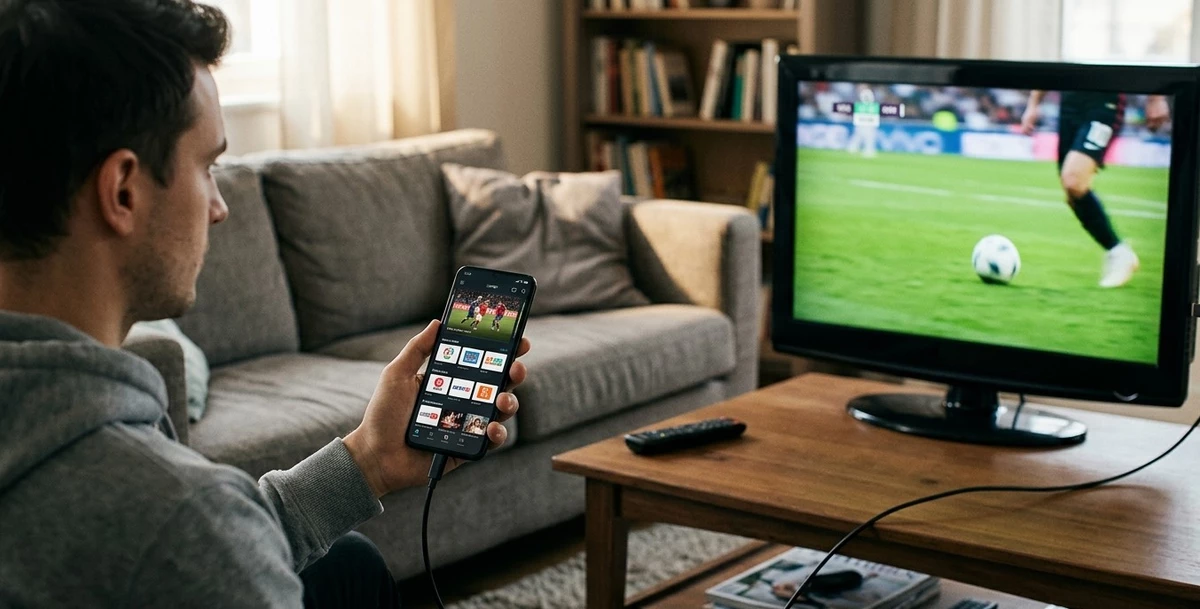
When Wi-Fi isn't available or your home internet is temporarily down, USB tethering can be a handy way to share your phone's mobile data connection with another device. If you're wondering whether this works for streaming television, the good news is that it generally does. In this guide, we'll explain how USB tethering works, how well it performs for streaming, and how to use it with your IPTV India subscription and Indian IPTV Box.
USB tethering allows you to share your smartphone's mobile data connection with another device by connecting them directly with a USB cable, rather than over Wi-Fi. The connected device essentially borrows your phone's internet access, treating it as its own connection to the internet.
Yes, USB tethering can absolutely work for streaming IPTV India content, since all that matters is having an active internet connection reaching your streaming device. Whether that connection comes through home Wi-Fi, a wireless hotspot, or a direct USB tether, your IPTV app doesn't distinguish between them.
| Feature | USB Tethering | Wi-Fi Hotspot |
|---|---|---|
| Connection Type | Wired, direct cable | Wireless |
| Stability | Often more stable | Can vary with signal and distance |
| Setup | Requires a compatible cable and port | No cable needed |
| Battery Impact on Phone | Often charges phone while tethering | Drains phone battery faster |
| Device Compatibility | Requires USB support on both devices | More universally compatible |
USB tethering often provides a slightly more stable and consistent connection than a wireless hotspot, since it avoids potential Wi-Fi interference and signal strength issues, though it does require your device to have a compatible USB port.
The general process typically looks like this:
Exact steps vary depending on your phone's operating system and your specific streaming device, so checking your device's manual or settings menu for tethering options is a good starting point.
Not every streaming device readily supports USB tethering:
Since USB tethering draws from your phone's mobile data plan, it's worth keeping usage in mind:
1. Is USB tethering reliable enough for regular IPTV streaming?
For occasional or backup use, yes. For everyday primary streaming, a stable home internet connection is generally more practical due to mobile data limitations.
2. Does USB tethering use my phone's data plan?
Yes, any data used while tethering counts against your mobile data plan, the same as if you were browsing directly on your phone.
3. Can I use USB tethering with my Indian IPTV Box?
Many Android-based boxes support USB tethering, though compatibility can vary, so checking your specific device's settings is recommended.
4. Is USB tethering better than a Wi-Fi hotspot for streaming?
It's often slightly more stable due to the wired connection, though both options work similarly well for occasional or backup streaming needs.
5. Will tethering drain my phone's battery quickly?
It can, especially during extended streaming sessions, so keeping your phone connected to a power source while tethering is a good practice.
Whether through home Wi-Fi, a hotspot, or USB tethering, IPTV India can adapt to whatever connection you have available. Pair your subscription with a versatile Indian IPTV Box and stay ready for any streaming situation. Explore our IPTV plans today and keep watching, wherever your connection comes from.





Comment