Alerts

-
2 minutes, 30 seconds
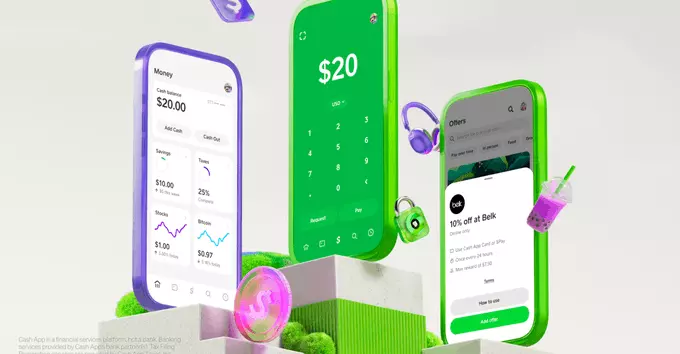
Cash App, the popular mobile payment app, is launching a phone service. This new feature lets users make calls and send texts directly from the app. It’s a big step for Cash App, which already helps millions send money, buy Bitcoin, and invest in stocks. Now, it’s moving into mobile communication.
The phone service is built right into the Cash App. You don’t need a separate SIM card or phone number. Instead, Cash App gives you a virtual number. You can use this number to call and text other people, even if they don’t have Cash App.
Cash App wants to become more than just a payment app. By adding phone service, it hopes to keep users inside its ecosystem. This move also helps Cash App compete with other apps like WhatsApp, Google Voice, and Skype. For users, it means one less app to download and manage.
This service is great for people who:
Getting started is simple. First, make sure you have the latest version of Cash App on your phone. Then, look for the phone service option in the app menu. Follow the steps to choose a virtual number. You can pick a local area code. After that, you can start calling and texting right away.
Cash App’s launch of a phone service shows how apps are blending together. In the future, you might do everything from banking to calling in one app. This could save time and money. It also raises questions about privacy and data security. Cash App says it will protect user information, but it’s always smart to read the fine print.
Overall, this new feature is a smart addition for Cash App users. It adds value without extra cost. If you’re curious, try it out. You might find it useful for your daily life.








Comment