Alerts

-
4 minutes, 17 seconds
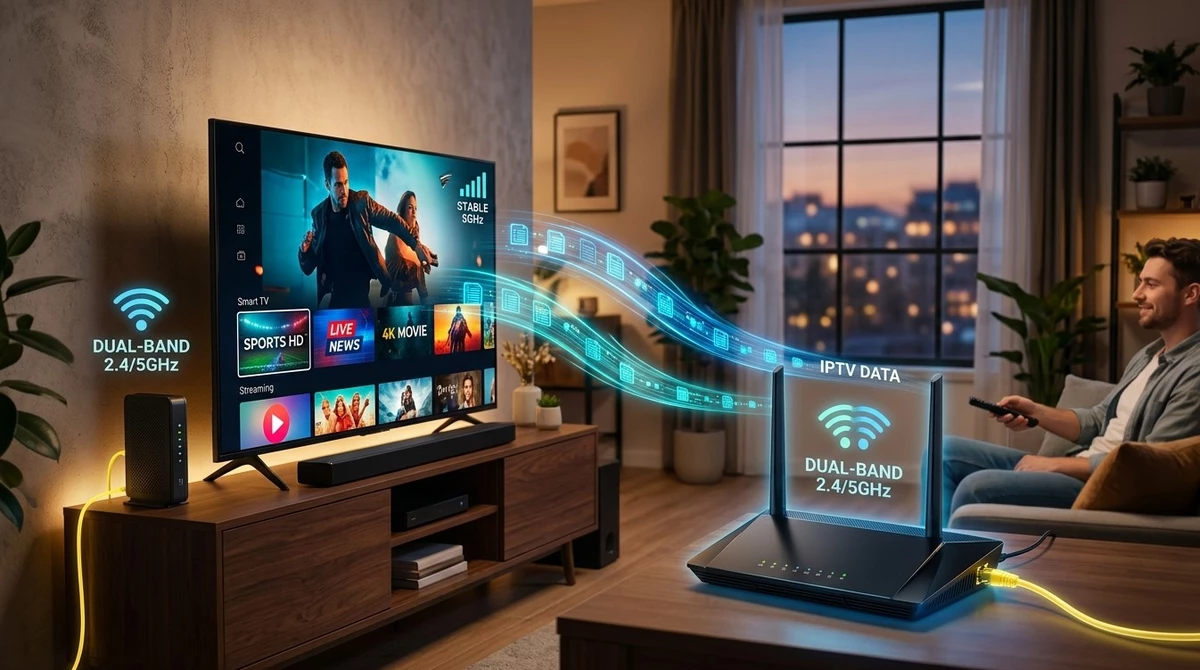
Modern routers often come with dual-band capability, offering two separate Wi-Fi frequencies for your home network. If you're setting up IPTV, you might be wondering whether this feature matters for your streaming setup. In this guide, we'll explain how dual-band routers work with IPTV, which band is generally better for streaming, and how to optimize your IPTV India subscription and Indian IPTV Box for the best performance.
A dual-band router broadcasts Wi-Fi signals over two separate frequencies: 2.4GHz and 5GHz. Each frequency has its own strengths, and most modern routers allow devices to connect to whichever band suits their needs best. Understanding the difference between these two bands can help you get the most out of your IPTV India streaming setup.
Yes, IPTV works perfectly well with a dual-band router, and in fact, having this option available can actually improve your streaming experience compared to a single-band router. Since dual-band routers give you the flexibility to choose the most suitable frequency for your Indian IPTV Box, you can often achieve more stable and consistent streaming performance.
| Feature | 2.4GHz | 5GHz |
|---|---|---|
| Range | Longer range, better wall penetration | Shorter range, weaker through walls |
| Speed | Generally slower | Generally faster |
| Interference | More prone to interference from other devices | Less interference, cleaner signal |
| Best For | Devices farther from the router | Devices closer to the router needing higher speeds |
For most IPTV streaming, especially HD or 4K content, 5GHz is generally the better choice due to its higher speed capacity, as long as your device isn't too far from the router. If your Indian IPTV Box is located farther away or has walls between it and the router, 2.4GHz's better range might provide a more stable, if slightly slower, connection.
Consider the following when deciding which band to use:
If your router broadcasts both bands under the same network name, you may need to check your router's settings to identify and separate them, or rely on the router's automatic band-switching feature.
1. Is 5GHz always better than 2.4GHz for IPTV?
Generally yes for speed and streaming quality, but only if your device is close enough to the router, since 5GHz has a shorter effective range.
2. Can I manually choose which band my Indian IPTV Box connects to?
Yes, if your router broadcasts the two bands as separate networks, you can select your preferred one directly in your device's Wi-Fi settings.
3. Will using 2.4GHz cause more buffering than 5GHz?
It can, especially for higher-resolution content, since 2.4GHz generally offers lower speeds, though it does provide better range.
4. Do I need a dual-band router specifically for IPTV to work?
No, a single-band router can still support IPTV, though a dual-band router offers more flexibility for optimizing your connection.
5. What should I do if my router combines both bands into one network name?
Check your router's administrative settings, where you can often separate the two bands into distinct network names for easier manual selection.
Choosing the right Wi-Fi band can make a real difference in your streaming experience. Pair a well-configured dual-band router with your IPTV India subscription and Indian IPTV Box for smooth, reliable performance. Explore our IPTV plans today and fine-tune your setup for the best possible streaming quality.





Comment