
Alerts
-
3 minutes, 17 seconds
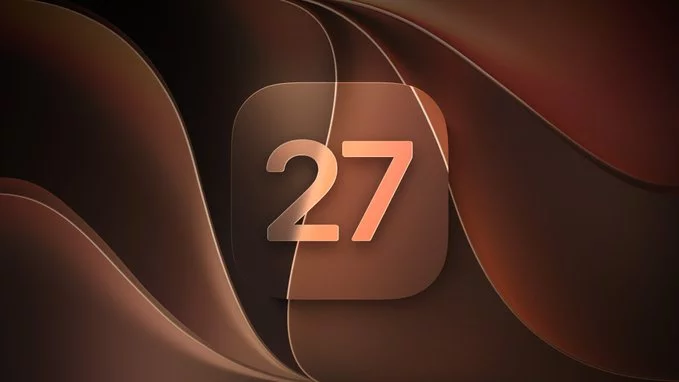
Apple has seeded the first beta of macOS 27.2 to developers, and the headline change is a set of redesigned volume and brightness sliders. Rather than the familiar vertical bars that have appeared in Control Center for years, the new controls adopt a refreshed look that brings them closer in line with the rest of the system's visual language.
Because this is a beta release, the sliders are still subject to change before the update ships to the general public. Developers and beta testers can try them now, but Apple may adjust the design, behaviour, or both based on feedback gathered during the testing period.
The two sliders are the most visible user-facing addition in this build, and they touch controls that Mac users interact with constantly. The sections below take a closer look at each one in turn, followed by what the change means for anyone who relies on these controls day to day.
The volume slider in macOS 27.2 beta has been rebuilt around the same glass-like aesthetic as the rest of the refreshed interface. When you press a volume key or open Control Center, the slider now appears as a floating translucent bar with a soft, blurred backdrop that picks up the colour of whatever sits behind it.
Apple has also adjusted the slider's proportions. The track is thicker, and the knob has been replaced by a rounded capsule that stretches as you drag, giving the control a more tactile feel. Hovering over the slider reveals a small percentage readout, so you no longer have to guess at the exact level.
Other changes worth noting:
These tweaks are subtle, but they bring the volume control in line with the rest of macOS 27.2's design language.
The brightness control has received the same treatment as its volume counterpart. In macOS 27.2 beta, the redesigned brightness slider mirrors the new visual language introduced across Control Center, giving the two most-used audio and display controls a consistent look.
As with the volume slider, the redesign is purely cosmetic. The underlying behaviour of the brightness control is unchanged: it still adjusts your display's backlight in the same increments and responds to the same keyboard shortcuts as before. Apple has not added new brightness features, nor has it altered how the slider interacts with True Tone or automatic brightness.
What stands out is the pairing. By refreshing both sliders together, Apple ensures that adjusting your Mac's sound and screen brightness no longer feels like using controls from two different eras. The result is a small but welcome bit of polish that brings these everyday adjustments in line with the rest of the interface.
For anyone already running the macOS 27.2 beta, the two new sliders are available now, so there is nothing extra to download or enable. They appear alongside the existing volume and brightness controls, which means your current habits carry over with only a small adjustment.
What you can expect from the update is consistency. Instead of one control behaving differently from the other, both sliders now follow the same interaction model, so adjusting either one feels familiar. That reduces the guesswork when you reach for a slider without looking.
A few practical points to keep in mind:
Overall, this is a refinement rather than a reinvention, and it should make everyday adjustments quicker once the change settles in.









Comment