Alerts

-
3 minutes, 17 seconds
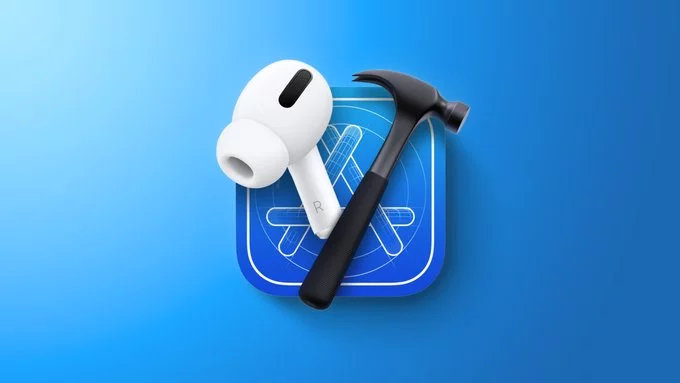
Apple has officially seeded a new beta firmware update for its flagship wireless earbuds, arriving just ahead of the anticipated iOS 27 software cycle. The update, designated with build number 7E5227e, is specifically tailored for the AirPods Pro 2 and the AirPods 4.
This release signals Apple’s continued focus on refining the audio experience and preparing the hardware for deeper integration with upcoming operating system features. While the company has not yet detailed the specific changelog, the timing strongly suggests that this beta is designed to align with the new capabilities expected in iOS 27, potentially including enhancements to Siri interactions, adaptive audio controls, or improved device switching.
Developers and registered beta testers can now install the firmware to test compatibility and provide feedback. As this is a pre-release version, users should expect potential bugs or performance inconsistencies during the testing phase. Apple typically rolls out the final, stable version of this firmware to all users shortly after the public launch of the new iOS update.
This beta firmware is not available to everyone. It is specifically limited to two device families: AirPods Pro 2 (available in both Lightning and USB-C variants) and the AirPods 4. If you own other AirPods models, you will not be able to install this release.
To get started, you will need more than just the earbuds. The installation process requires a developer account alongside a Mac or an iPhone. Crucially, that Mac or iPhone must be running the iOS 27 beta to facilitate the transfer of the firmware. This prerequisite ensures that the system is compatible with the new code.
Here is what you need to have in place:
Once these elements are confirmed, you can proceed with the update process. Ensure your iPhone or Mac is connected to a stable network and that your AirPods are charged sufficiently to complete the installation without interruption. The connection between your device and your AirPods must remain stable throughout the entire process to avoid any partial updates.
This beta update brings several headline features first announced at WWDC, directly enhancing how you interact with your AirPods. The most notable addition is head gestures, allowing you to control notifications by simply nodding or shaking your head—a hands-free way to respond to Siri alerts without speaking.
Another significant improvement is Voice Isolation, which uses on-device machine learning to filter out background noise during calls, ensuring your voice remains crystal clear even in windy or crowded environments. This feature is designed to dramatically improve call quality for both you and the person on the other end.
Finally, the update introduces a redesigned AirPods setup experience. The new process is more intuitive and visual, making it easier to pair your AirPods with your iPhone or iPad and access new settings. This streamlined setup is part of Apple’s broader effort to unify the accessory experience across its ecosystem.
To install the beta firmware, you must first enable the Developer Settings on your paired iPhone. Navigate to Settings > Privacy & Security > Developer Options and toggle on the setting. After that, ensure your AirPods are connected, placed in their case, and plugged into power. The beta update will then install automatically over the air, typically within a few minutes to an hour.
To verify which firmware your AirPods are running:
If you don’t see the update appear, keep the AirPods near your iPhone for a few minutes. For more details on the latest release, refer to the official Apple Developer news page.










Comment