
Alerts
-
5 minutes, 45 seconds
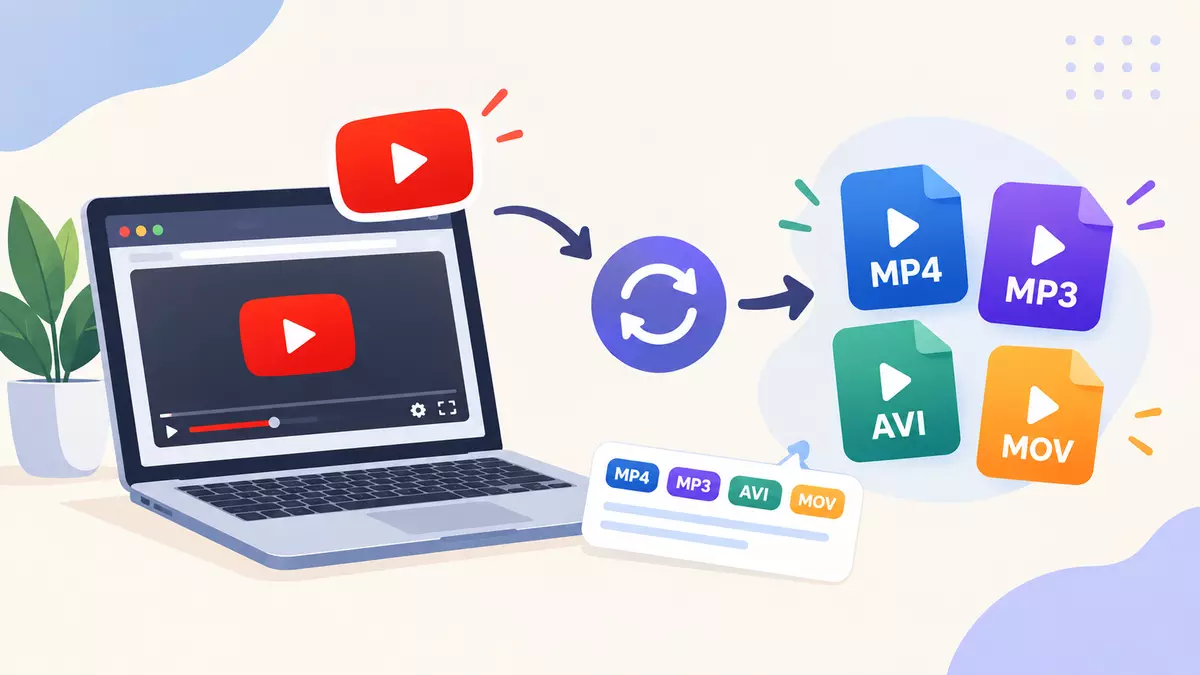
YouTube has become one of the most popular platforms for watching videos, learning new skills, enjoying music, and finding entertaining content. But sometimes, not every device or media player supports the same video formats. Because of this, some videos need to be converted into another format for better compatibility, smaller file size, or easier playback. This is where YouTube video format conversion becomes useful.
With tools like YTMP4, users can explore easy ways to convert supported video files into formats according to their needs. Knowing how video conversion works, which formats are available, and what things to consider before converting videos can help users make better choices and enjoy a smoother viewing experience.
YouTube video format conversion is a process of changing a video's file format or encoding so it can work better on a particular device, application, or media player. Different formats provide different benefits in terms of compatibility, quality, and file size.
For example, MP4 is supported by most smartphones, computers, tablets, and smart TVs. Other formats can also be useful for specific editing and playback needs.
Video conversion mainly includes two processes:
Format conversion: Changing a video from one container format to another, like MKV to MP4.
Video transcoding: Changing the video or audio encoding into another codec, resolution, or bitrate according to the requirements.
The best option depends on the original video, the device you want to use, and how you want to use the converted file.
Video format conversion makes digital content easier to manage and play on different devices. It is useful when a media player does not support the original format or when you need a smaller file to save storage space.
Here are some common benefits of video format conversion:
Better device compatibility: Convert supported files into formats that work on your smartphone, laptop, tablet, or television.
Flexible playback: Select a format that works properly with your preferred media player or software.
File size management: Adjust the resolution and bitrate to reduce the file size when needed.
Convenient editing: Prepare video files for compatible editing software and creative projects.
Improved accessibility: Make video content easier to use across different platforms and workflows.
However, converting a video does not always improve its quality. If you convert a low-quality video into a higher-resolution format, it cannot bring back details that are missing from the original video.
Choosing the right video format is an important part of the conversion process. Every format has different features, so understanding the common options can help you select the right one.
MP4 is one of the most popular video formats because it provides good compatibility and efficient storage. It commonly uses H.264 video and AAC audio, but other codecs can also be used.
Best for: Daily video playback, sharing videos, and using videos on most modern devices.
WebM is mainly designed for playing videos on the web. It supports modern video codecs and can provide good compression for online content.
Best for: Web applications and supported internet browsers.
MKV is a flexible multimedia format that can contain video, audio, subtitles, and multiple tracks inside one file.
Best for: Managing media collections and videos that need multiple audio or subtitle tracks.
MOV is a multimedia format connected with Apple's QuickTime technology. It is often used for video production and editing work.
Best for: Compatible editing software and some professional video projects.
While choosing a format, you should check device compatibility, available storage, playback needs, and whether subtitles or multiple audio tracks need to stay in the converted file.
YTMP4 is associated with online video conversion and can provide a convenient option for users who want to work with supported video content. The available features can depend on the service and the source file.
A typical conversion process may include these steps:
Choose your video: Select a video file that you own or have permission to download and convert.
Open the conversion tool: Visit https://ytmp4.onl/ and check the available features.
Select the output format: Choose MP4 or another supported format according to your requirements.
Check the settings: If the option is available, select your preferred resolution or video quality.
Start the conversion: Follow the website instructions and wait until the conversion process is completed.
Save the converted file: Download the file after conversion and check whether it plays properly on your device.
Always use legitimate sources and follow YouTube's terms, copyright rules, and other applicable restrictions. Not every video can be legally downloaded or converted, so make sure you have the necessary permission before doing it.
Following some simple tips can help you get better results while converting video files.
Choose the right resolution: Select a resolution that matches your screen and viewing requirements.
Balance quality and file size: Higher bitrates usually need more storage, while too much compression can reduce video quality.
Check audio compatibility: Make sure the selected format supports the audio codec you need.
Use trusted websites: Stay away from suspicious websites, fake download buttons, and tools asking for unnecessary permissions.
Scan downloaded files: Use reliable security software when needed, especially when downloading files from unknown sources.
Respect copyright rules: Convert only those videos that you own or have permission to download and use.
If you are converting important videos, try to keep the original file whenever possible. This helps you create another version in the future without depending on an already compressed copy.
Online video conversion tools can be useful, but users should also take care of their privacy and device security. Some websites show too many advertisements, ask for unnecessary permissions, or redirect users to unrelated pages.
Before using any converter, check whether the website has a secure connection and read its privacy information. Avoid installing unknown extensions or software on your device. Also, never share your account password or sensitive personal details with an unfamiliar conversion service.
You should also think carefully before uploading a private video to an online converter. If your video contains personal or confidential information, using an offline conversion tool can be a better choice.
YouTube video format conversion can make videos easier to play, manage, and use on different devices. By understanding formats like MP4, WebM, MKV, and MOV, users can choose a suitable option according to compatibility, video quality, and storage needs.
YTMP4 can be considered when exploring online video conversion options, depending on its available features and your requirements. For a better experience, always use trusted tools, check the converted video quality, protect your device, and follow copyright restrictions.
With the right approach, video format conversion becomes an easy way to manage supported media files and enjoy a more convenient video experience.



Comment