Alerts

This photo album contains 2 photos. Added .
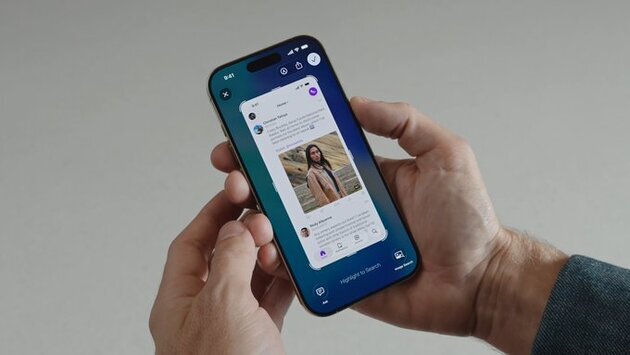
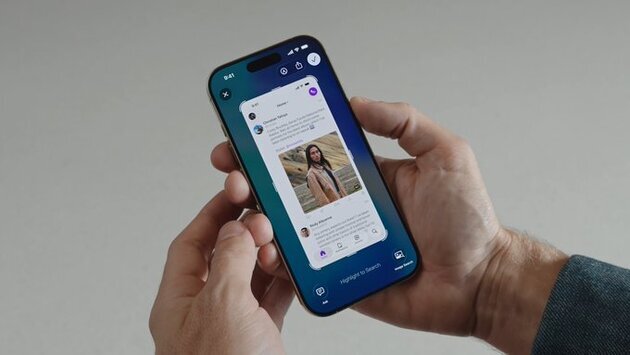
iOS 26 Screenshot Settings: How to Turn Off Full-Screen Previews Apple’s latest update introduces new iOS 26 screenshot settings that are part of the redesigned interface powered by Visual Intelligence and the sleek Liquid Glass aesthetic. While the screenshot method—using the Side and Volume Up buttons—remains unchanged, the interface now displays...
View Article Can a Stairlift Be Installed on a Narrow Staircase? Things Homeowners Should Know
 10 Must-Have Features to Look for in a Drone Detection System
 Pinterest Tackles AI Content in Teens’ Feeds
 How Live Stock Quotes Could Help Threads Attract Finance
 Anthropic’s Post-IPO Slump Could Pressure AI Valuations
 Personal AI Assistants Still Struggle With Everyday Tasks